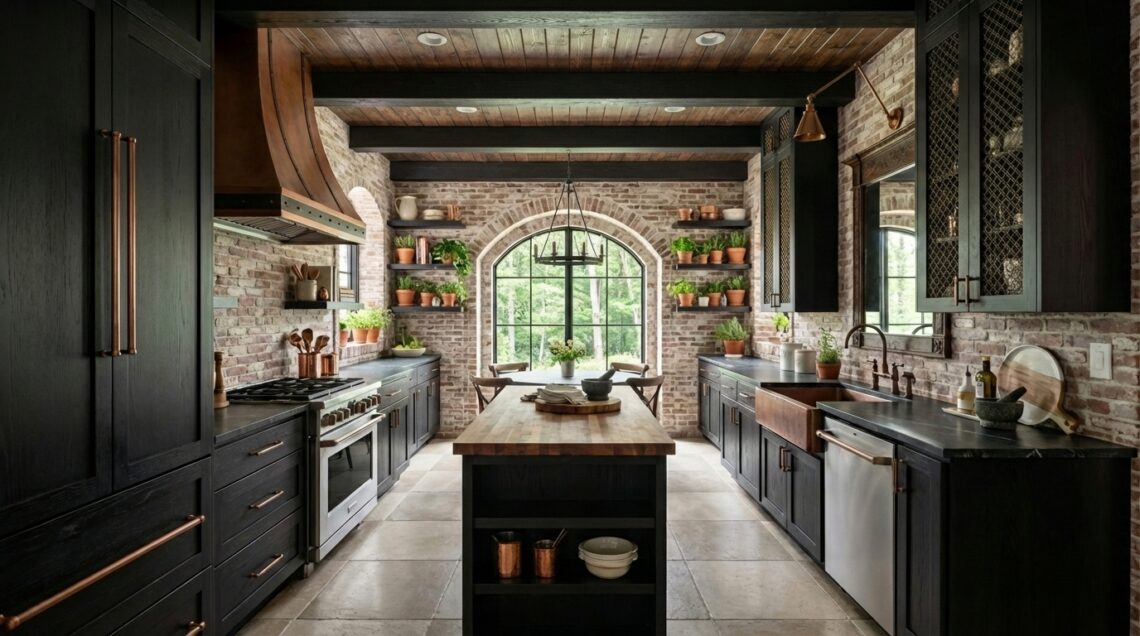

AI Helps Me Show More of What I Imagine – AI in my design work 3D Model Camera View Final image, edited with AI When I imagine a home, I picture the light coming through the windows, the texture of the walls, the garden beyond the door, and all the little details that make it feel like somewhere you could actually be. Getting that full picture out of my imagination and into something I can share has always been a big part of my work. It is also one of the things I love most about being a designer and rendering artist. In my previous article, How I Use AI…
-
-
How I Use AI in My Design Business How I use AI in my design business is a question I want to address. Partly because I believe in transparency, but also because I think there is a lot of confusion around what AI is actually doing inside professional design practices. The conversation has become so polarized that sometimes disclosure starts to feel less like sharing information and more like making a confession. That is not how I view it. I have never hidden my use of technology. Throughout my career I have embraced new tools as they emerged, from CAD and 3D modeling to rendering software, virtual reality, and now…
-
1. Accessing MidJourney’s Edit Feature Navigate to the Edit Tab: On the main MidJourney website, find the “Edit” tab and select “Edit New Image.” Upload Your Image: Choose to upload either from a URL or directly from your computer. 2. Retexture a Sketch for Enhanced Realism Prepare Your Image: Upload a sketch or initial render, like a 3D screenshot from software such as Chief Architect. Create Your Prompt: Describe the intended result with specific details. For example, “a photo of a French country cottage surrounded by trees with a lush flower garden; stone cottage with slate tile roof.” Submit for Retexture: Switch to the “Retexture” window, and click “Submit Retexture.”…
-
The Evolution of Rendering Software in Architecture and Interior Design Architecture and interior design experienced a significant shift with the introduction of easy-to-use and on line rendering software. This technology allowed professionals (and non-professionals looking for an “easy” career) to create quick, in-house renders without needing deep technical skills. The ability to generate presentation-ready images with just a few clicks promised speed and convenience, revolutionizing visual creation. However, the limitations soon became apparent—while these tools made rendering accessible, the quality of the results often didn’t meet the demands of high-stakes presentations or discerning clients. The Limitations of DIY Rendering: Quality Over Speed As architects, interior designers and new wave of…
-
Navigating AI and Traditional 3D Renderings in Interior Design In today’s fast-paced design world, the tools we use to bring our visions to life are evolving at an unprecedented rate. AI-generated imagery has burst onto the scene, offering designers a quick and innovative way to explore ideas. However, while AI tools are great for sparking creativity and generating concepts, they often fall short in delivering the precision and detail required for final presentations and construction-ready plans. This is where traditional 3D renderings continue to shine. As a professional rendering artist who also embraces AI, I understand that while AI is transforming how we ideate, the role of high-quality renderings remains…
-
How AI Can Help Visualize Paint Colors for Your Home Interiors: Original Image Working with a remote DIY client in Seattle, Washington, was an exciting challenge. She had three Sherwin-Williams paint colors in mind for her primary bathroom. To help her visualize the final look, I utilized a browser-based AI app called Home Visualizer (link below) that created the images you see below. The process was straightforward. After uploading the original image of the bathroom, I used prompts that included the paint color name, hex code, and RGB values. While it took some trial and error to find the right prompts, the overall process was quick and efficient. This AI…
-
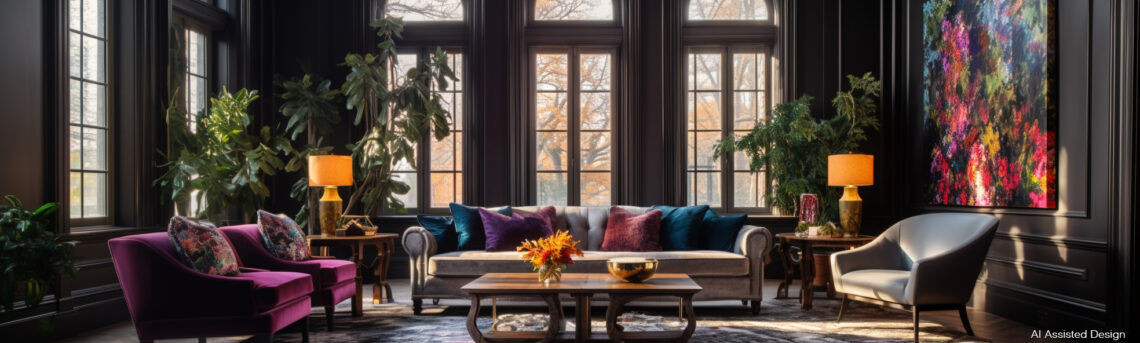
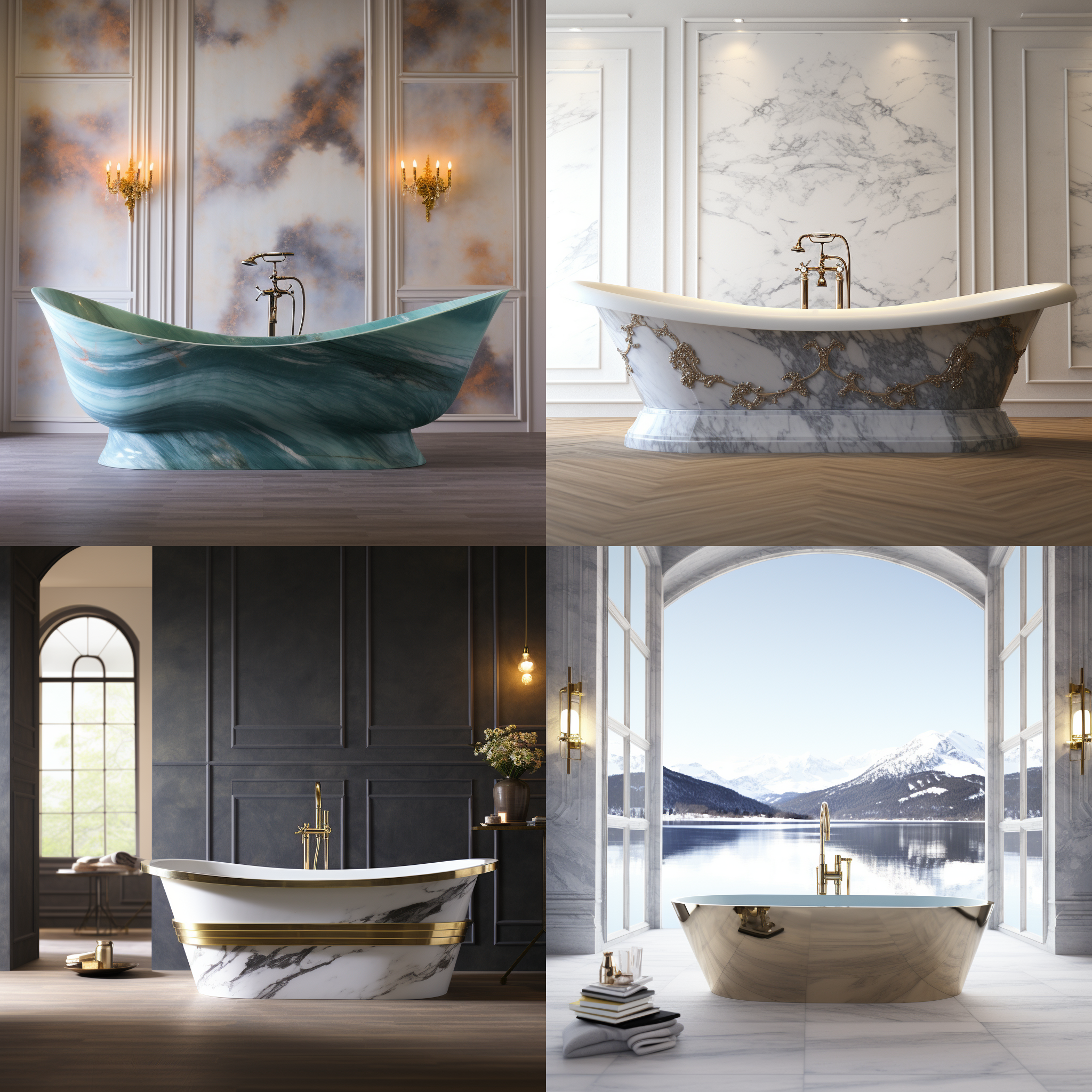
Incorporating AI image creation into the workflow of designers and architects represents a paradigm shift in how concepts are visualized and communicated. This integration can enhance creativity, efficiency, and client engagement in several key ways. *All Images in this Post were created using AI* 1. Quick Concept Exploration: AI image generators like Midjourney, DALL·E, and Stable Diffusion with ControlNet revolutionize the early stages of design. These tools allow designers to input initial ideas in text form and receive visual representations almost instantly. This quick iteration process significantly reduces the time spent on manual sketching and 3D modeling for preliminary designs, making the concept exploration phase more efficient and dynamic. 2.…
-
How to Create Stunning Architecture and Interior Design Images with Midjourney and DALL·E and Stable Diffusion: A Comprehensive Guide In the dynamic world of architecture and interior design, visualization plays a crucial role in expressing ideas, concepts, and the designers vision. Traditional methods such as drafting and 3D modeling are now being augmented with innovative tools like Midjourney and DALL·E. These tools leverage artificial intelligence to produce breathtaking images. This article aims to guide you through understanding the differences between 3d renderings and AI-generated images, setting up accounts on AI image generation platforms, crafting effective prompts, and evaluating the pros and cons of each tool. Additionally, we’ll explore how AI…
-
AI For Interiors & Architecture Beyond Boundaries: Exploring Creativity with AI Hello design enthusiasts! Welcome to the exciting intersection of creativity and technology, where I’m thrilled to share the incredible exploration of integrating Midjourney AI & ChatGPT into our world of design. In my 25 years of diverse design experience – from teaching art to decorating movie sets – I’ve always believed in pushing the boundaries. And now, with Midjourney AI, we’re taking that philosophy to unprecedented heights. Imagine this: Midjourney AI isn’t here to replace our creative flair; it’s more like our trusty sidekick. I’ve found it to be an amazing companion, helping me refine those initial sparks of…