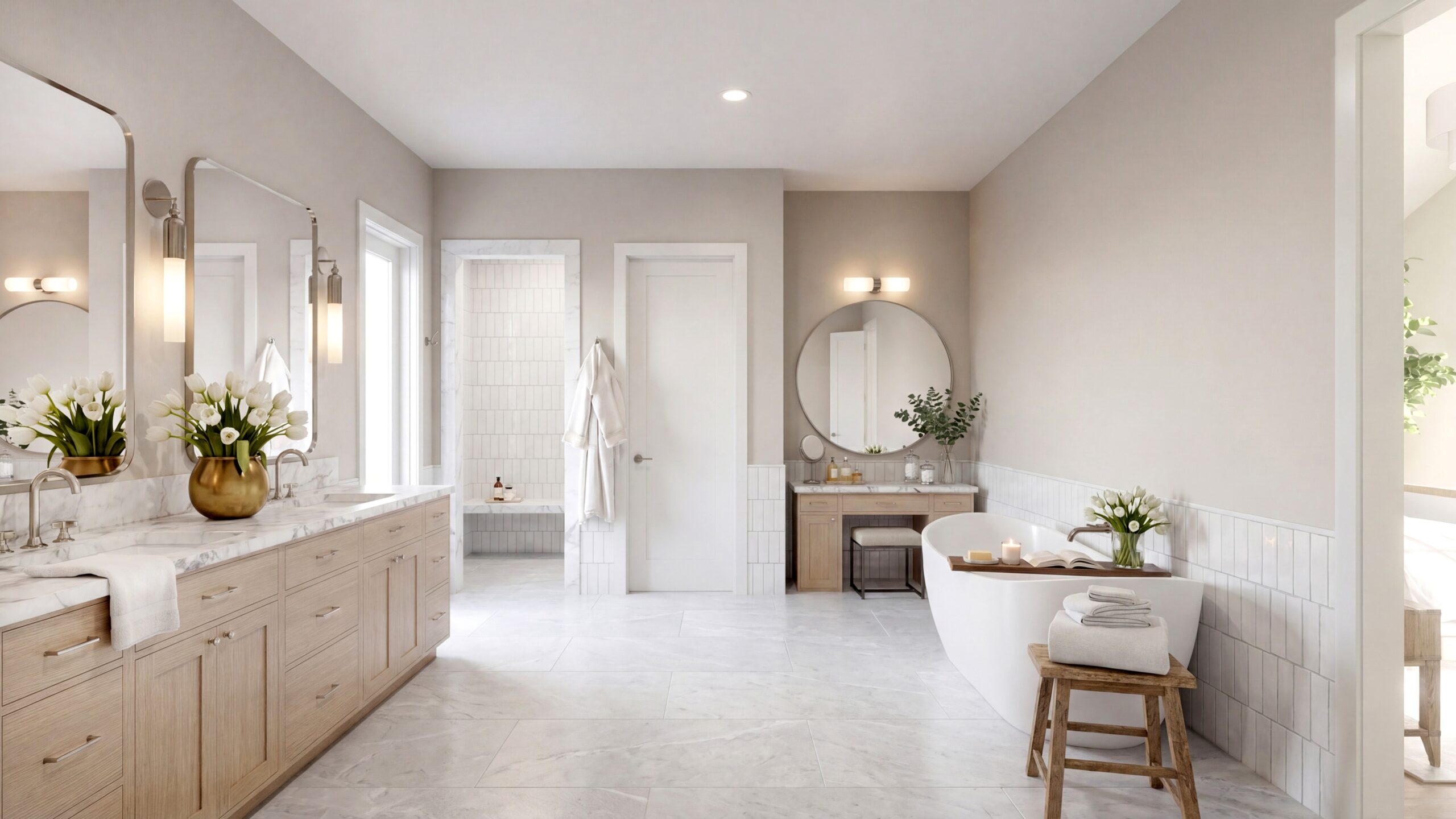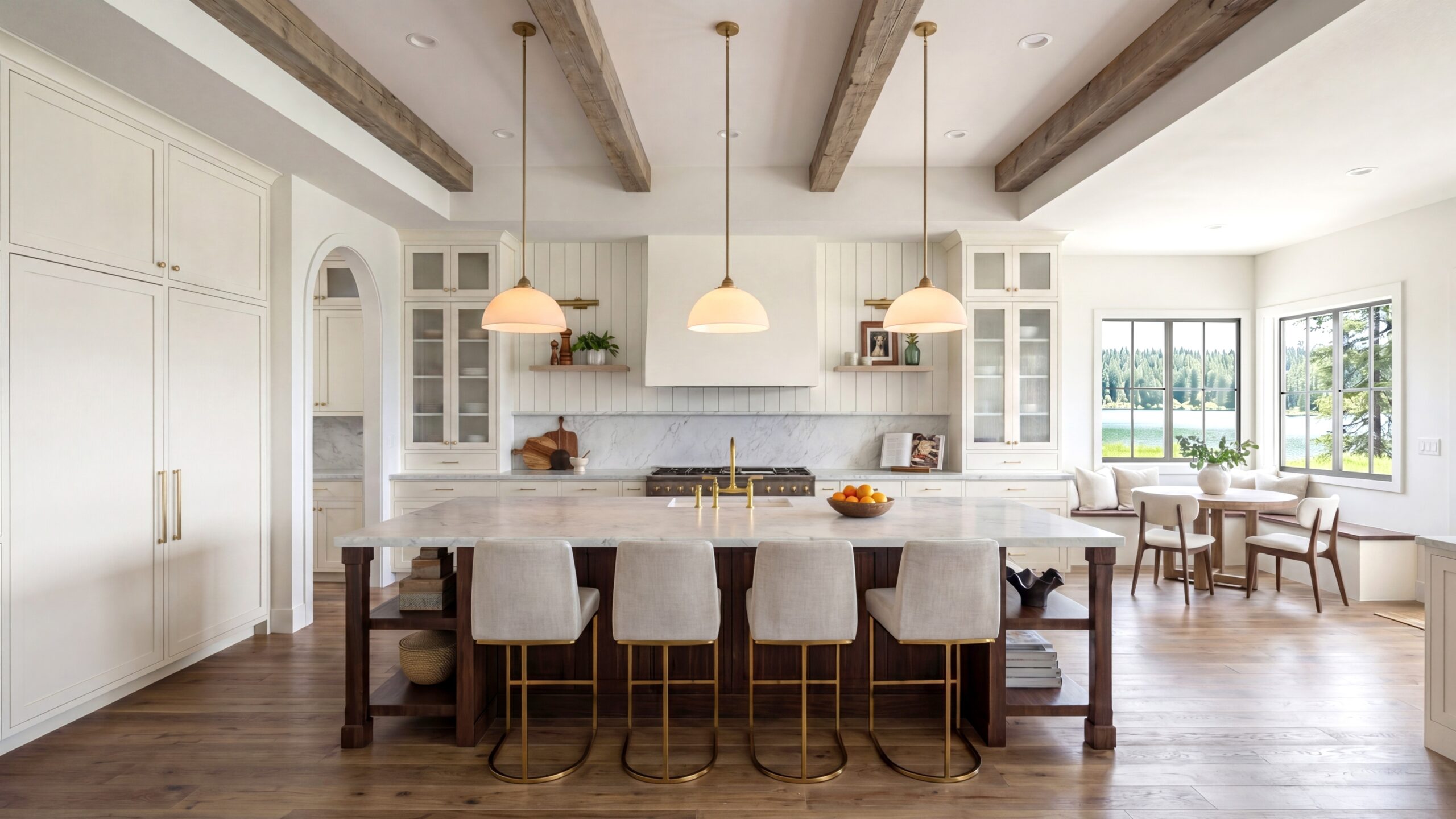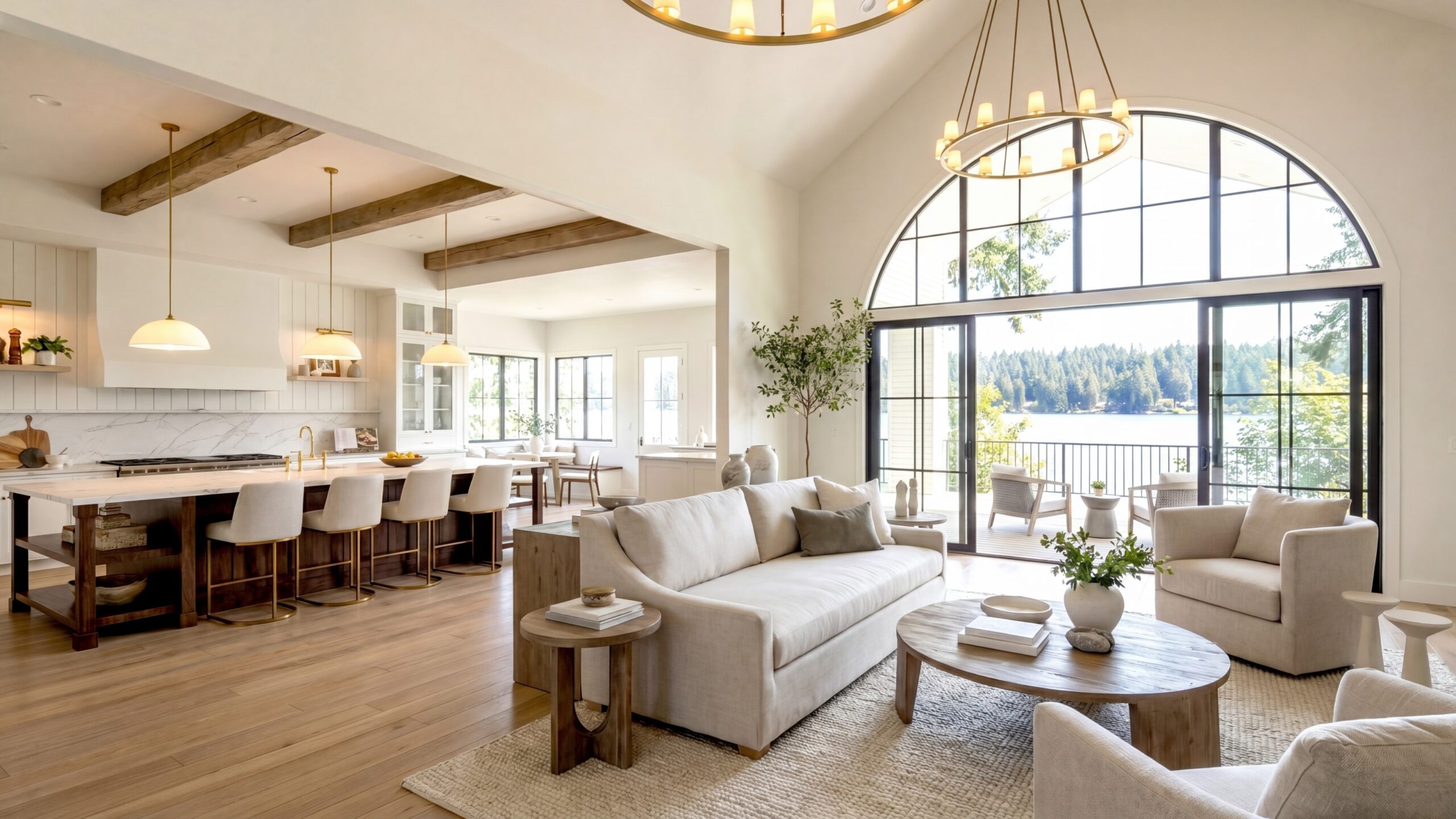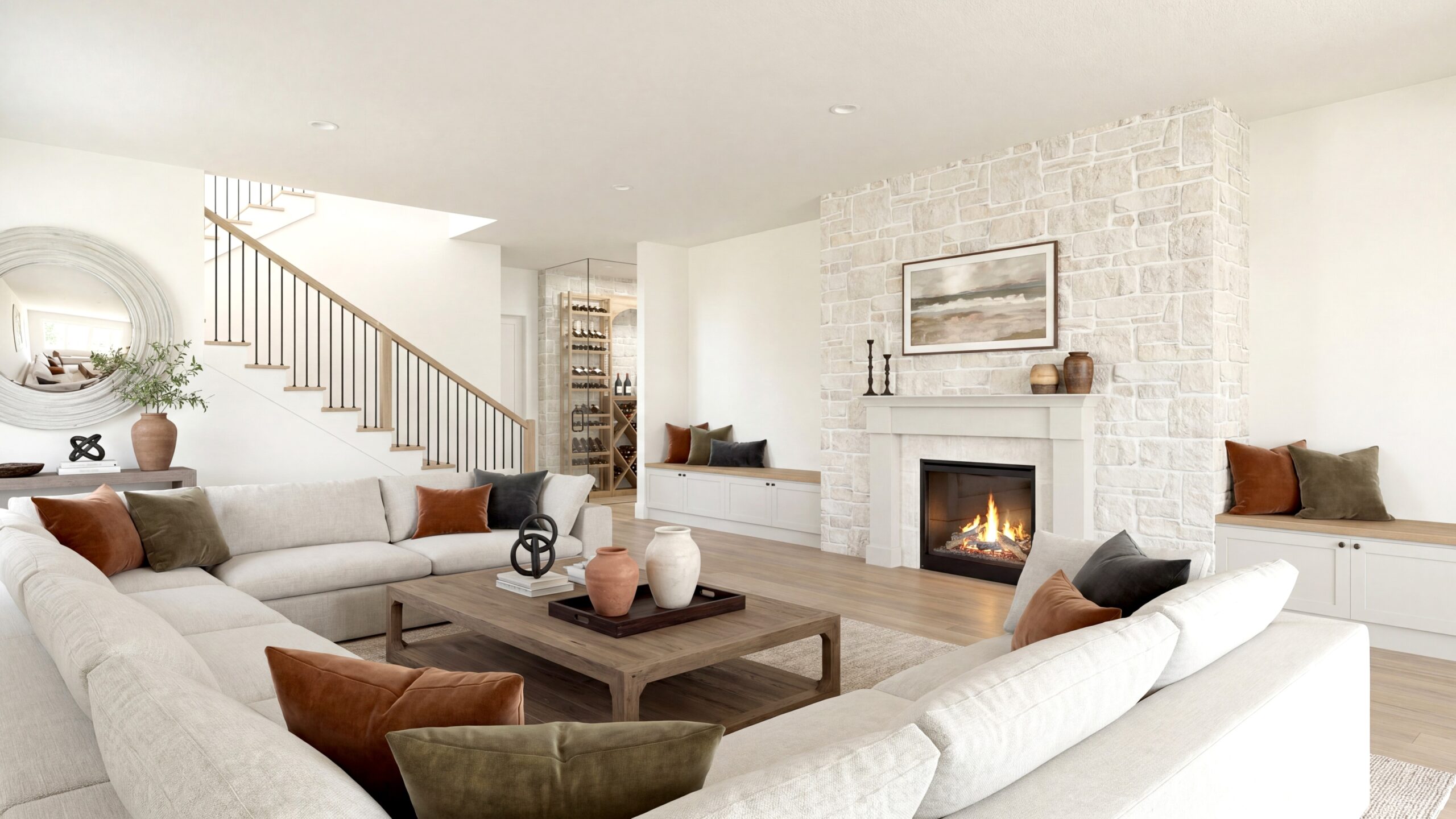
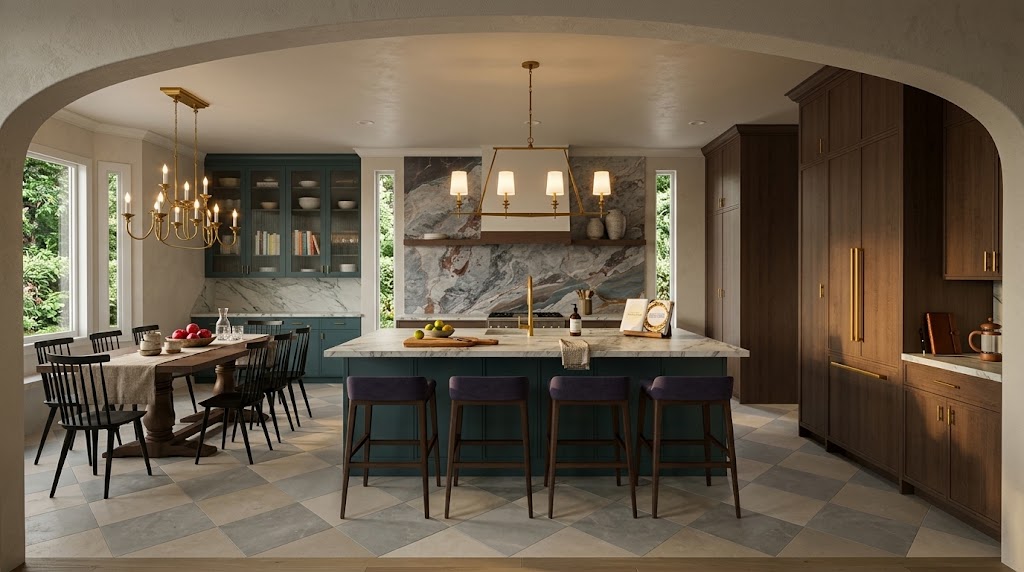
My Architectural Rendering Process: From Design Plans to Immersive Visual Storytelling
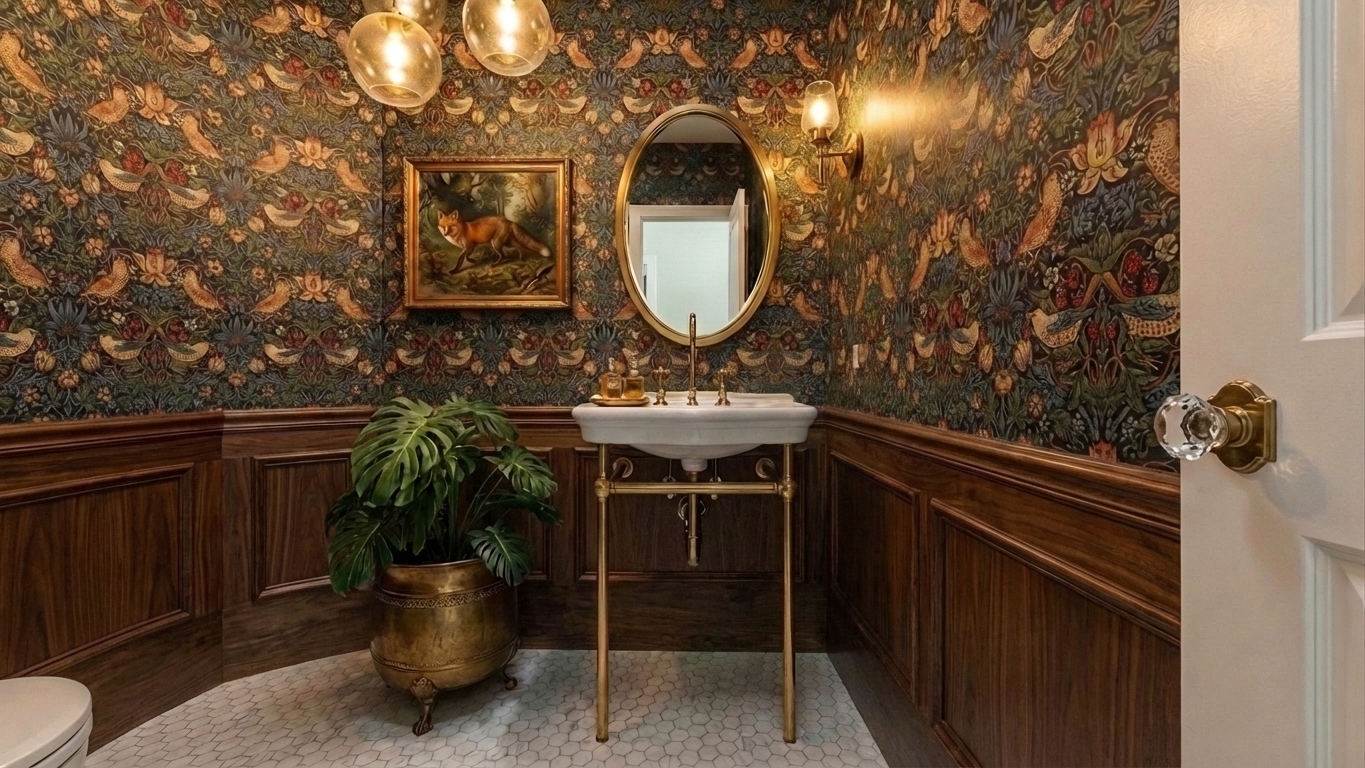
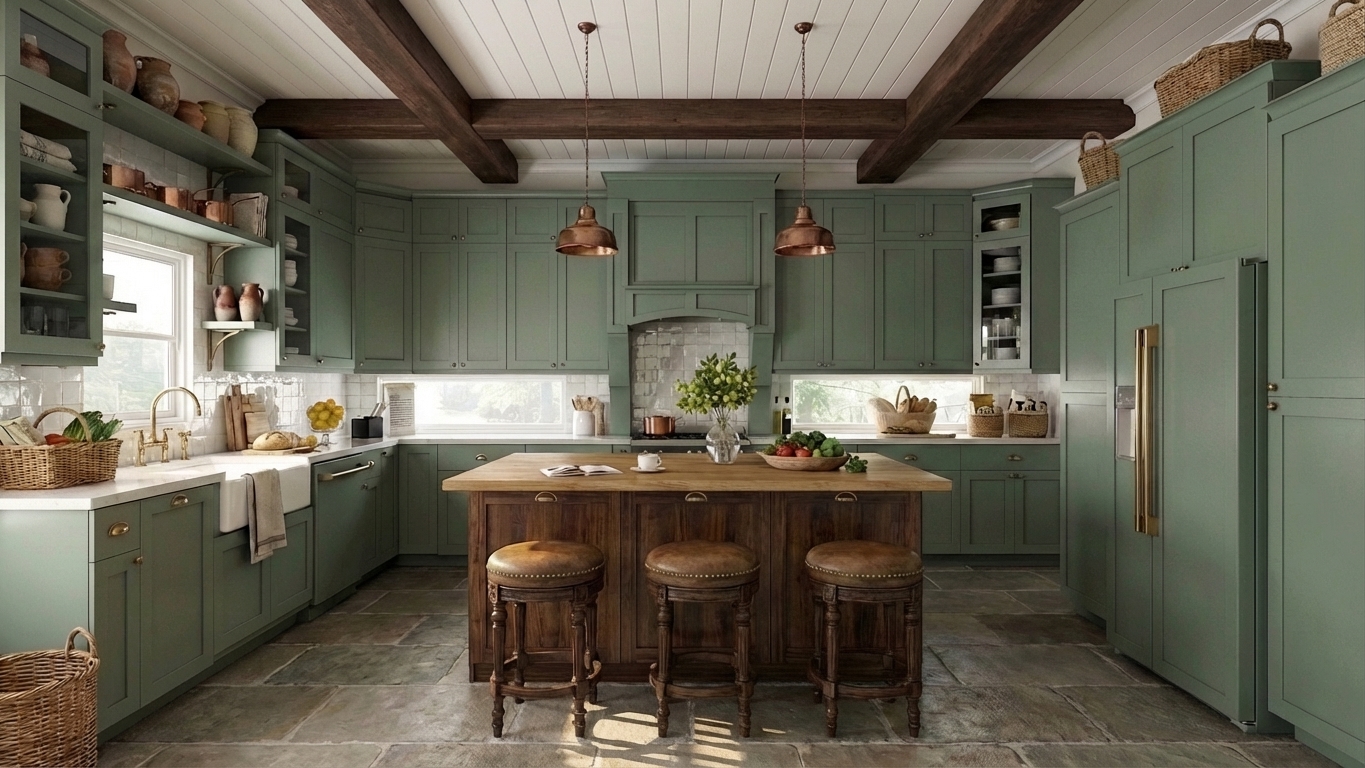
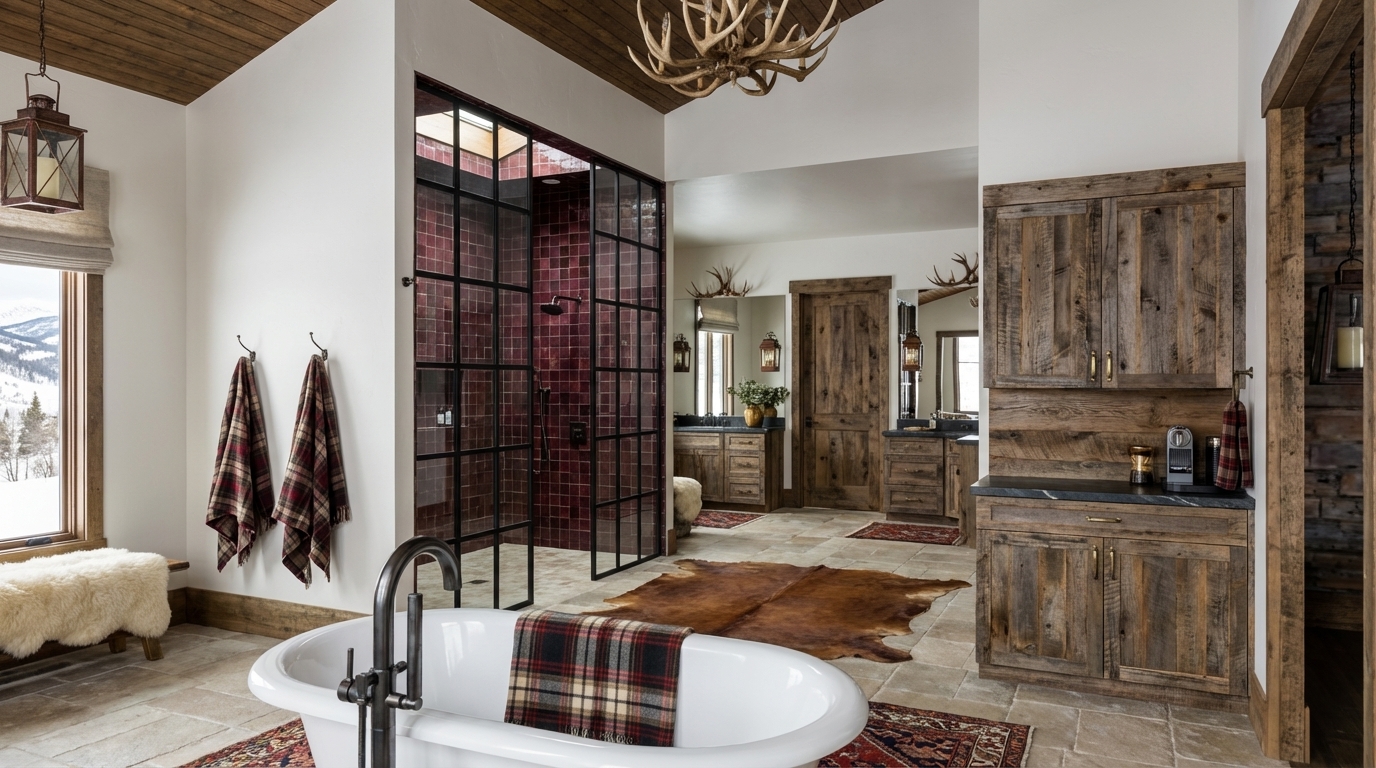
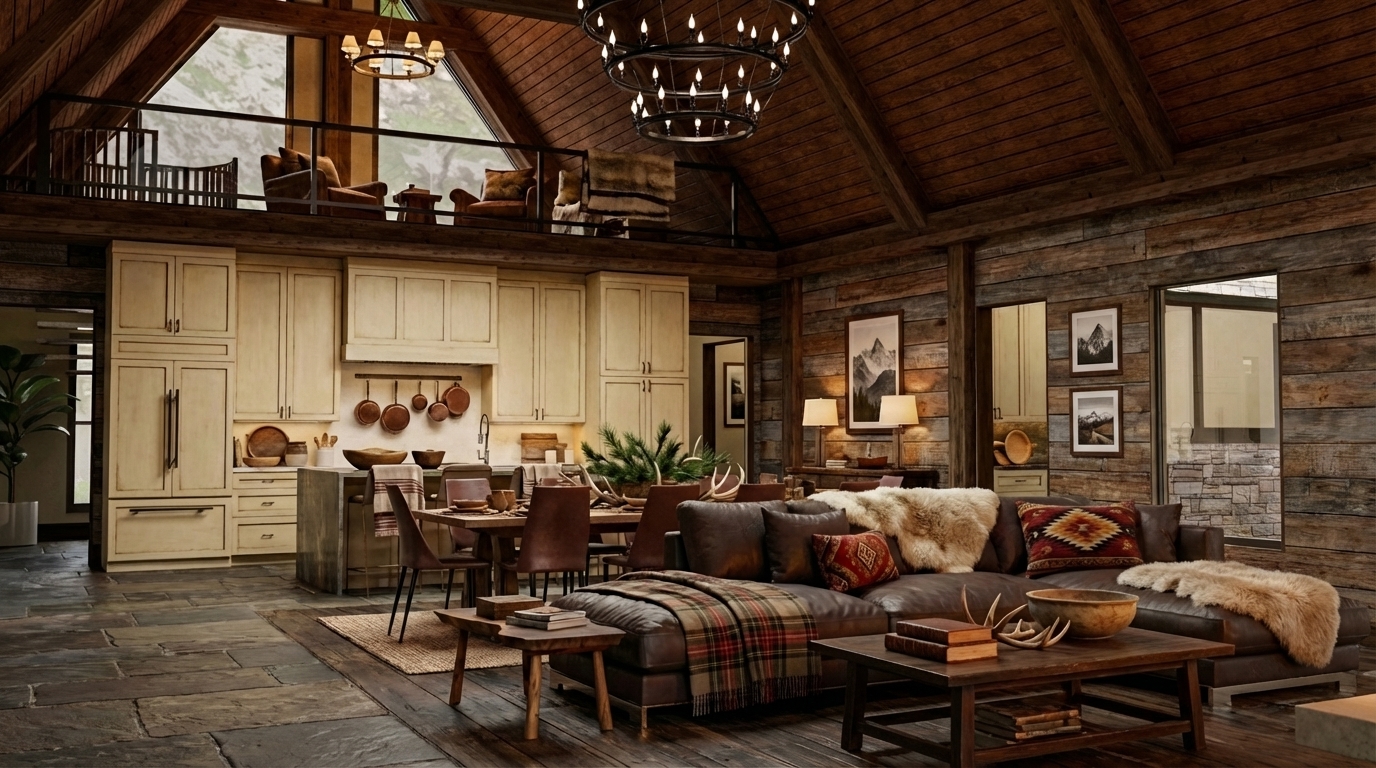
An architectural rendering can be beautiful, but beauty alone is not enough. A successful visualization should communicate the design clearly, preserve the important details, and help someone understand how a space will look and feel before it exists.
That requires more than selecting materials and pressing a render button. It requires understanding the project, deciding what the image needs to communicate, building an accurate three-dimensional foundation, and making hundreds of artistic and technical decisions about composition, light, color, atmosphere, and detail.
My rendering process has developed through more than 25 years of work in interior design, building design, drafting, 3D modeling, and visualization. It is also shaped by my background in studio art and film. I approach each image as both a designer and a visual storyteller, balancing accuracy with atmosphere so the final result does more than document a space. It helps people experience the idea.
Rendering Begins With Understanding the Project
Before I begin modeling or selecting camera views, I need to understand what the visualization is meant to accomplish.
A working image used during design development has a different purpose from a polished image created for a client presentation, publication, marketing campaign, or real estate launch. An interior designer may need to compare materials and confirm scale. A building designer or architect may want to communicate spatial relationships and architectural details. A developer may need to help buyers imagine a property that has not been built. A product brand may want to show how its furnishings or fixtures contribute to a complete environment.
I begin by reviewing the available project information, which may include:
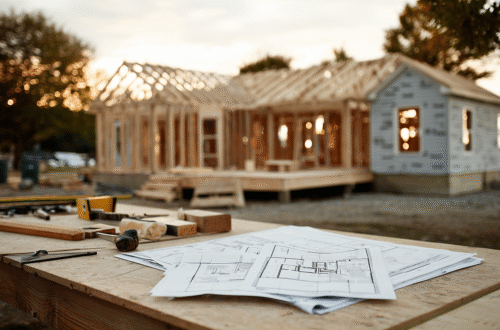
Floor plans and elevations
Existing 3D models or CAD files
Finish schedules and product specifications
Furniture plans
Inspiration images and mood boards
Site photographs or information about the surrounding environment
Notes about the audience, presentation, and intended use of the images
This is also where I identify what must be represented precisely and where some visual interpretation may be appropriate. A visualization for design review may need exact dimensions, products, and finish placement. A more conceptual presentation might use representative furnishings or materials while still preserving the proposed architecture and overall design intent.
Understanding that distinction at the beginning keeps the image focused on its actual job.
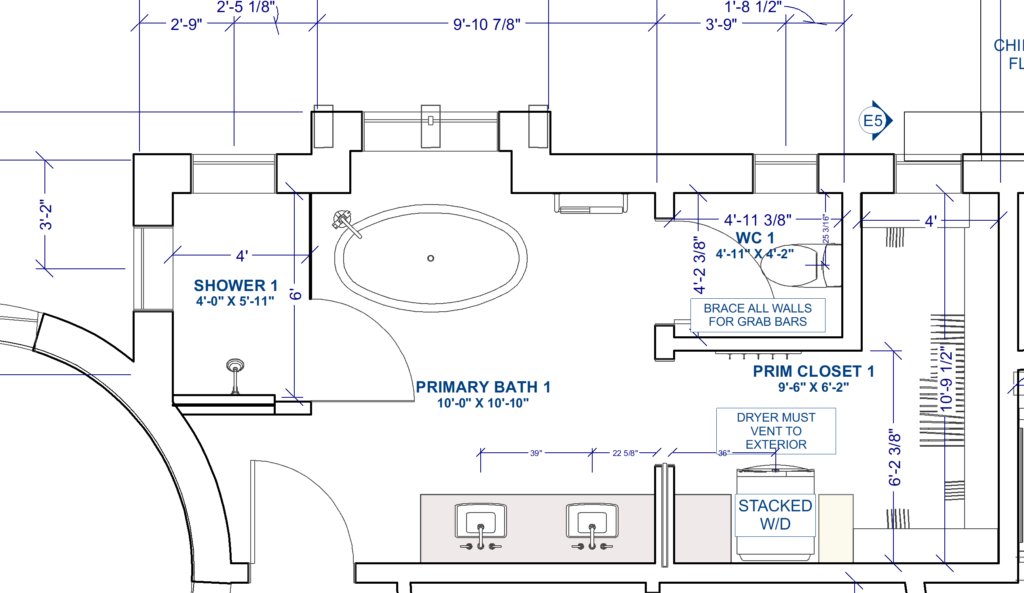
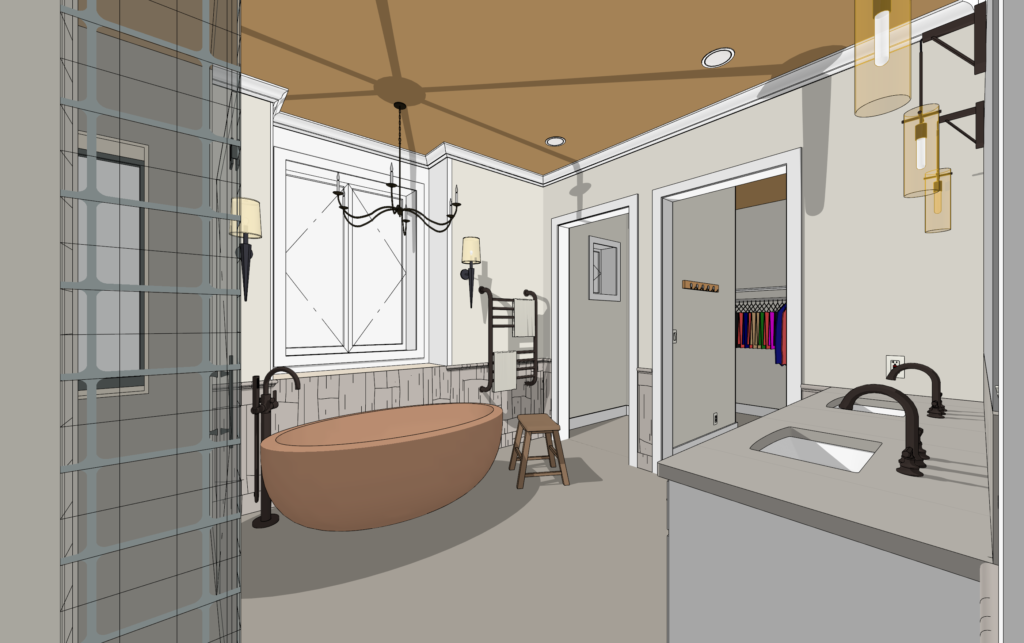
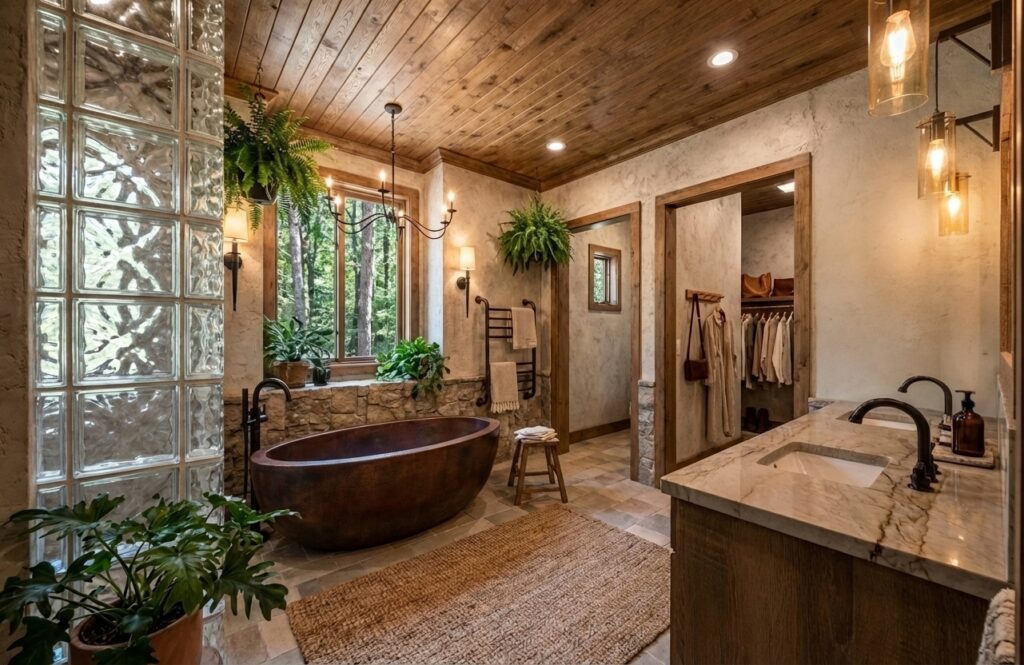
Building an Accurate Three-Dimensional Foundation
The quality of a rendering depends on the model beneath it.
Whenever possible, I work from real plans, elevations, dimensions, and specifications. I build or refine the three-dimensional model so that the walls, openings, ceiling heights, cabinetry, stairs, fixtures, furnishings, and other defining elements relate correctly to one another.
My experience in interior design, residential building design, and construction drawings is especially valuable during this stage. I am not looking at the model only as a collection of surfaces. I understand how rooms connect, how circulation works, how cabinetry is assembled, where materials meet, and which details affect whether the design feels plausible.
Sometimes the modeling process exposes an issue that was difficult to recognize in two-dimensional drawings. A light fixture may compete with an important sightline. A piece of furniture may feel too large once the room is viewed at eye level. A ceiling transition may need more attention. A cabinet, window, or architectural feature may not align as expected.
This is one reason visualization can be useful before construction. It gives the design team another way to evaluate the project while changes can still be made on screen rather than in the field.
Materials Are About More Than Color
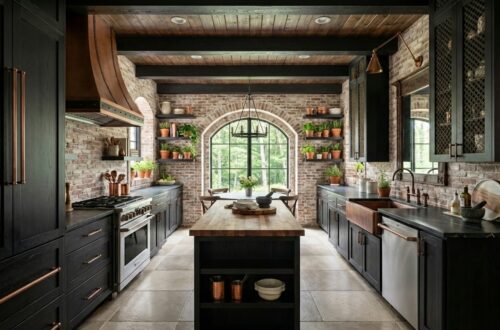
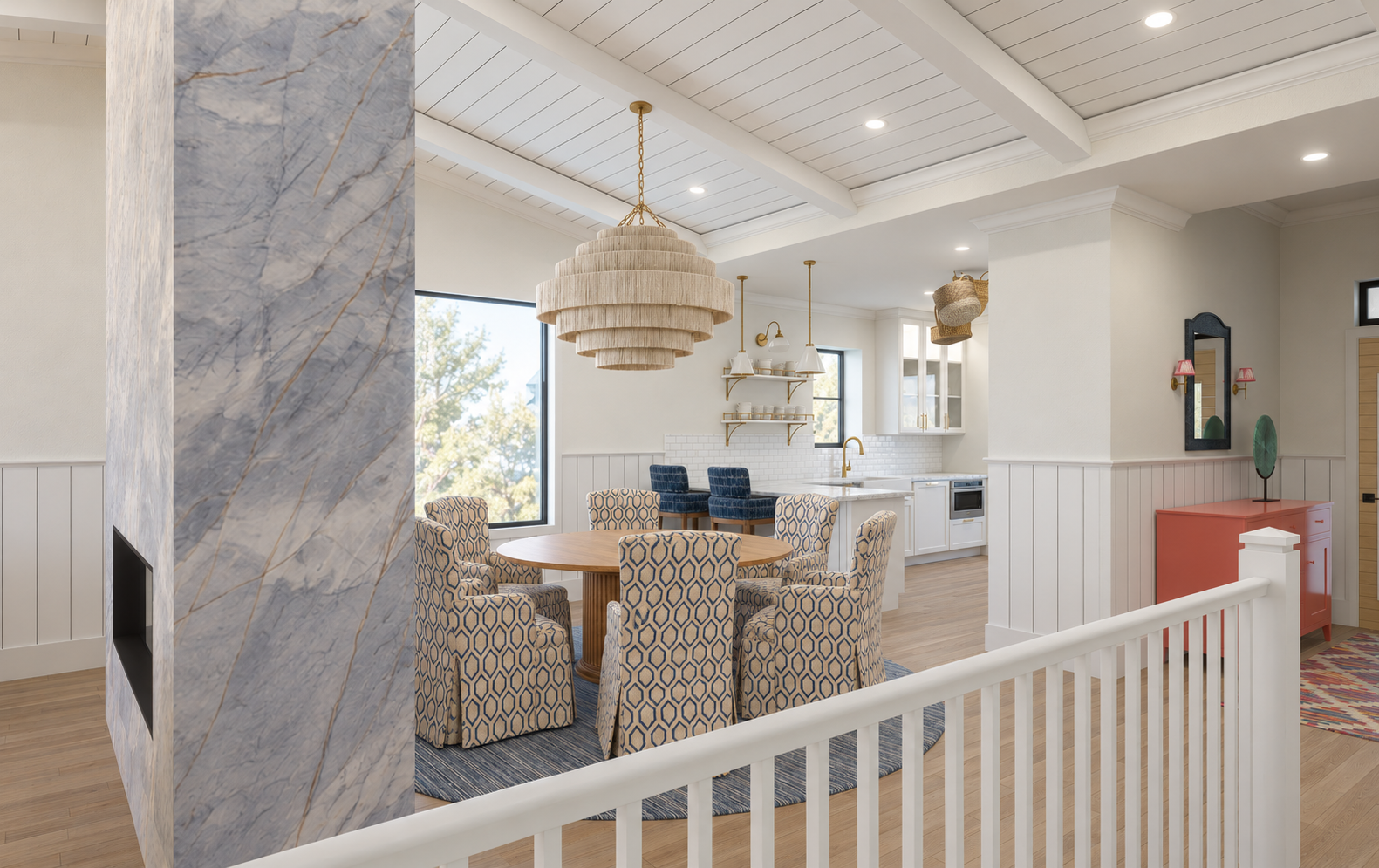
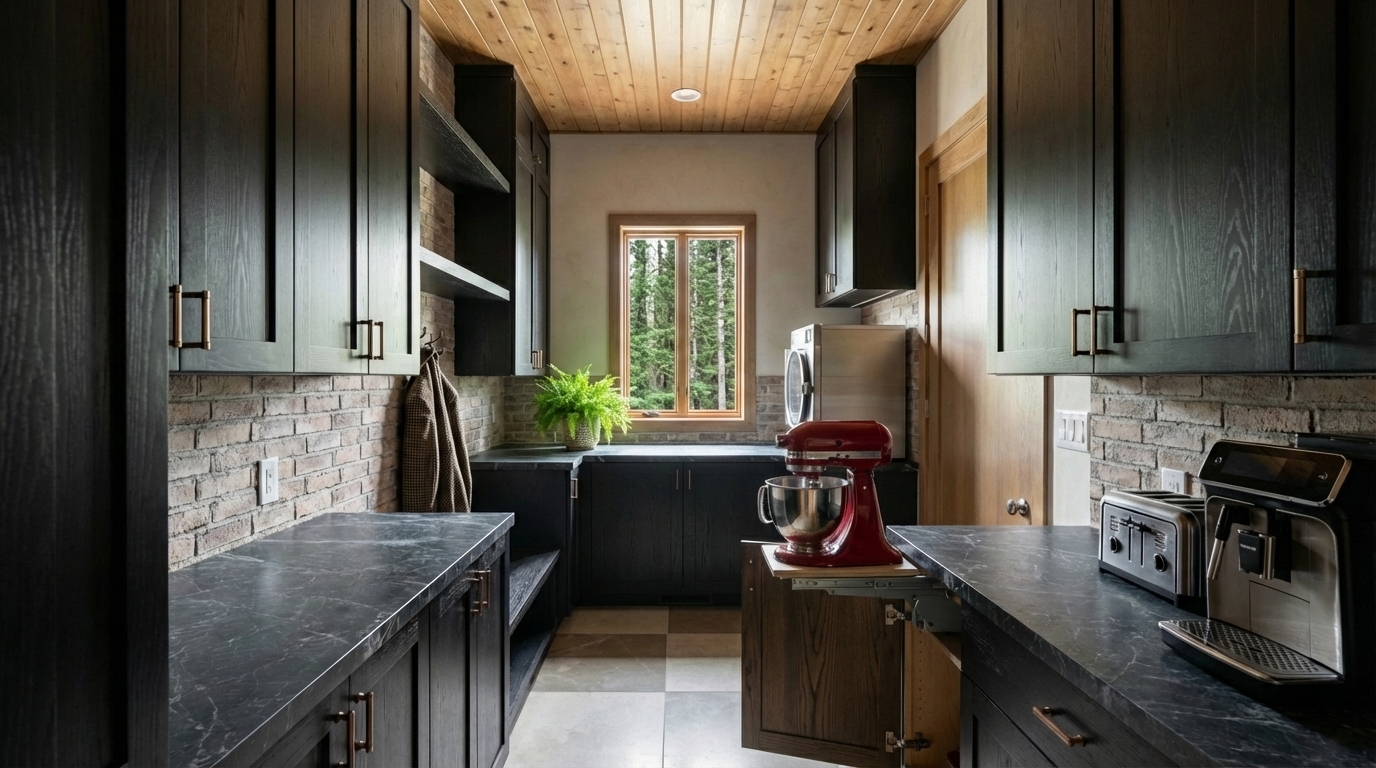
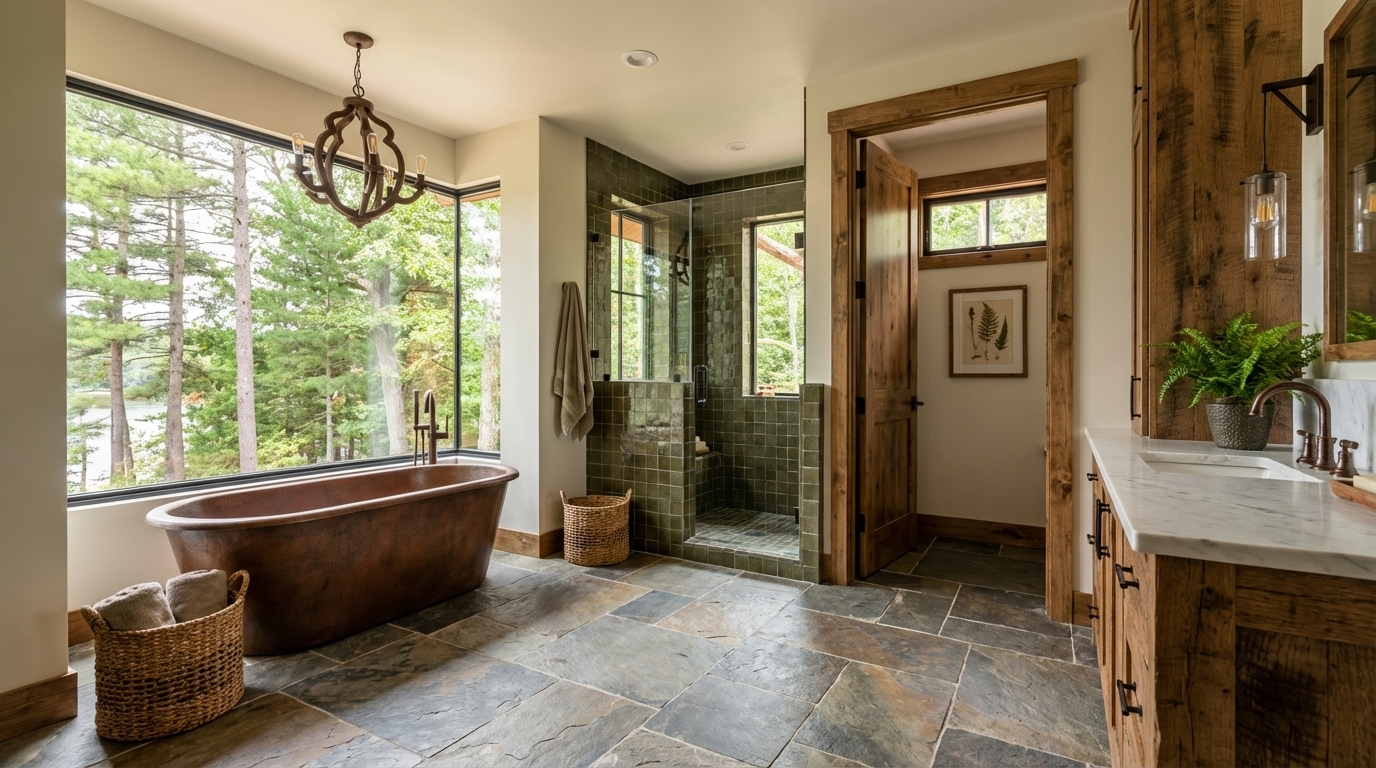
Once the model is established, I begin developing the materials and finishes. This includes the obvious choices, such as flooring, cabinetry, wall finishes, tile, stone, upholstery, and metal, but realistic materials depend on much more than applying the correct color.
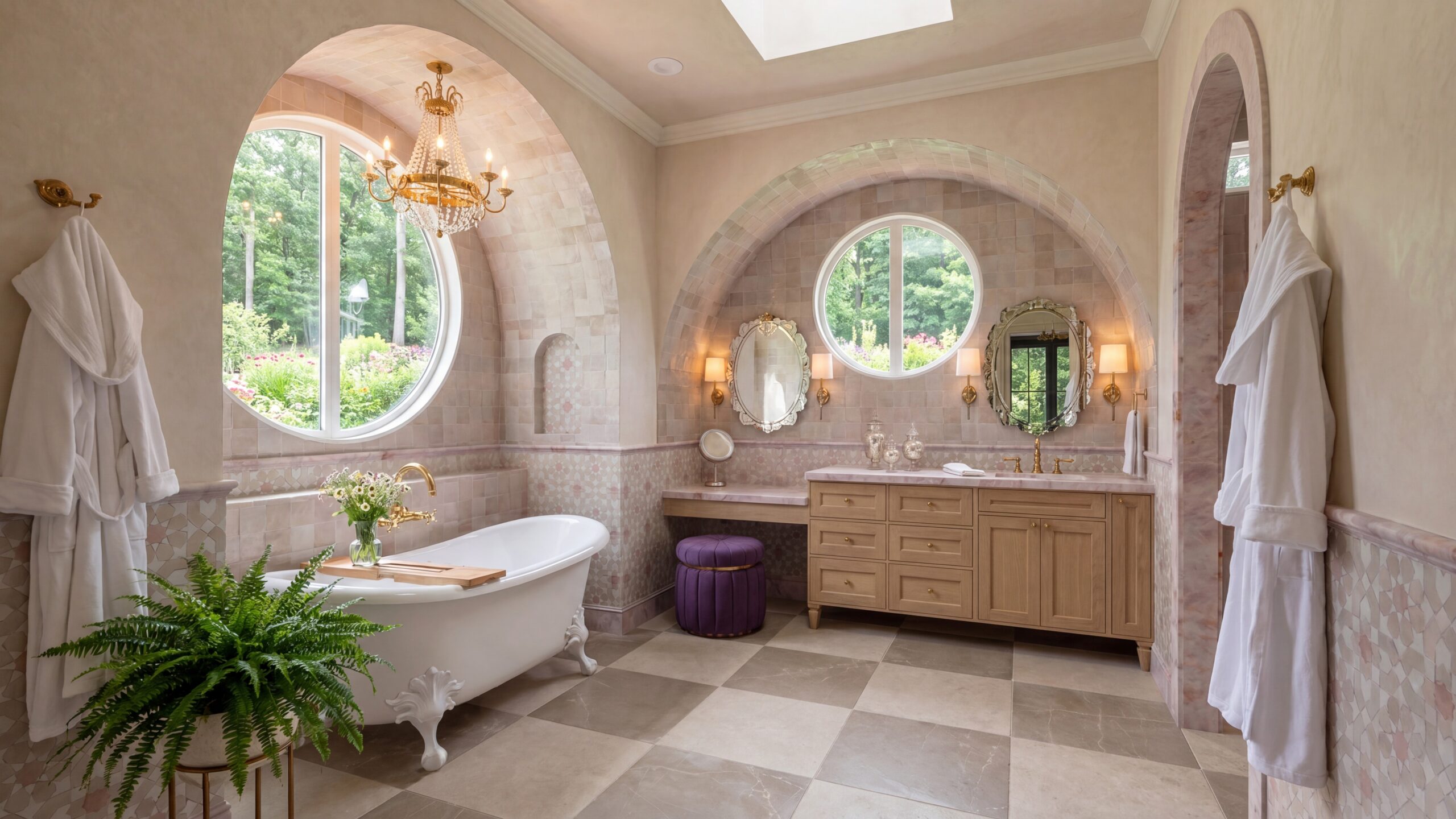
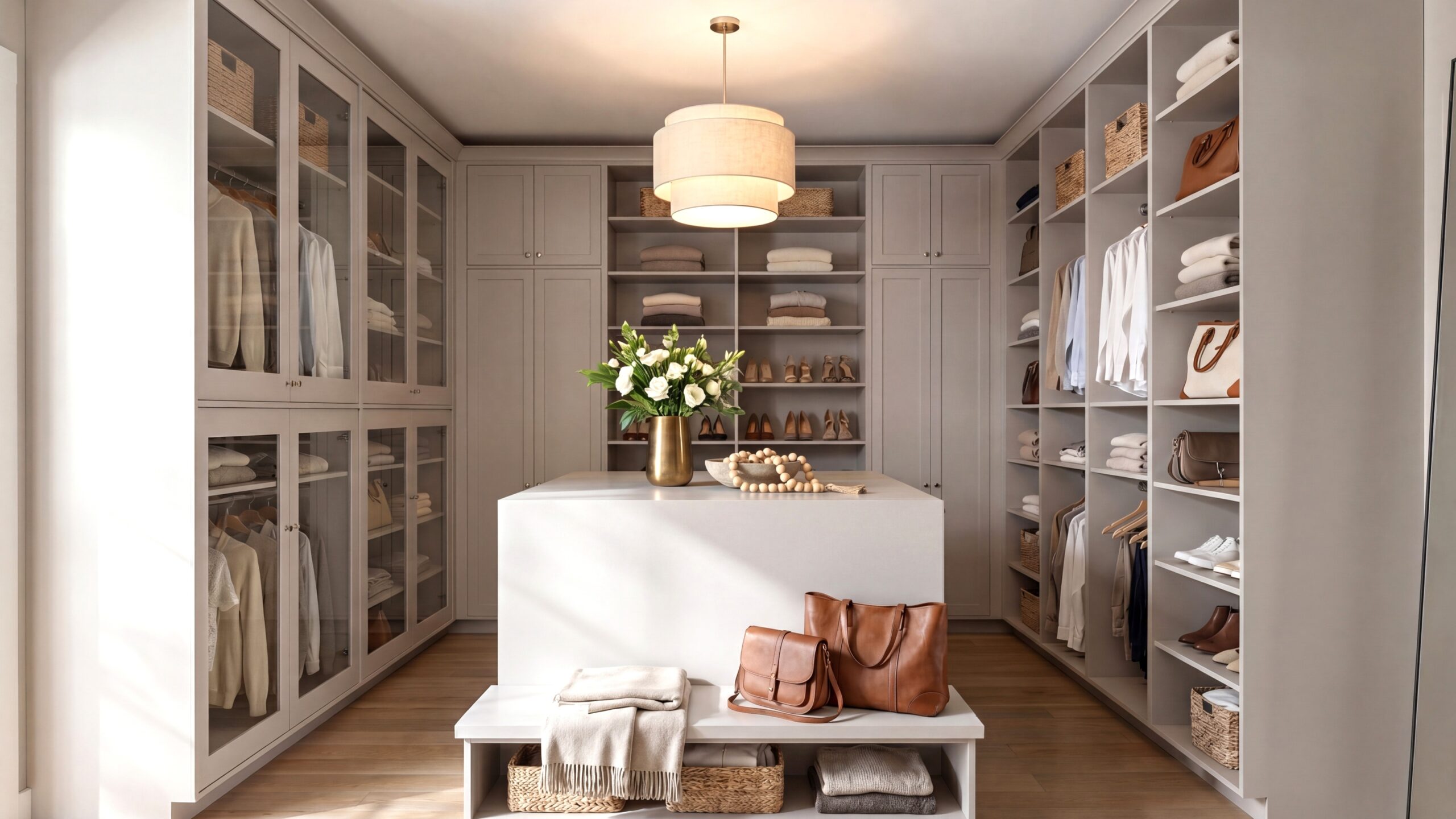
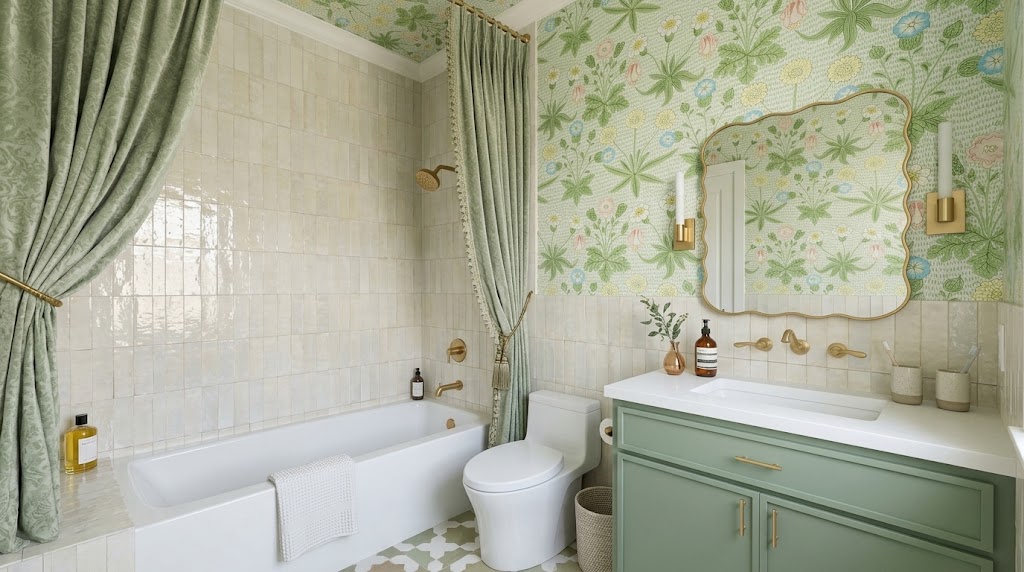
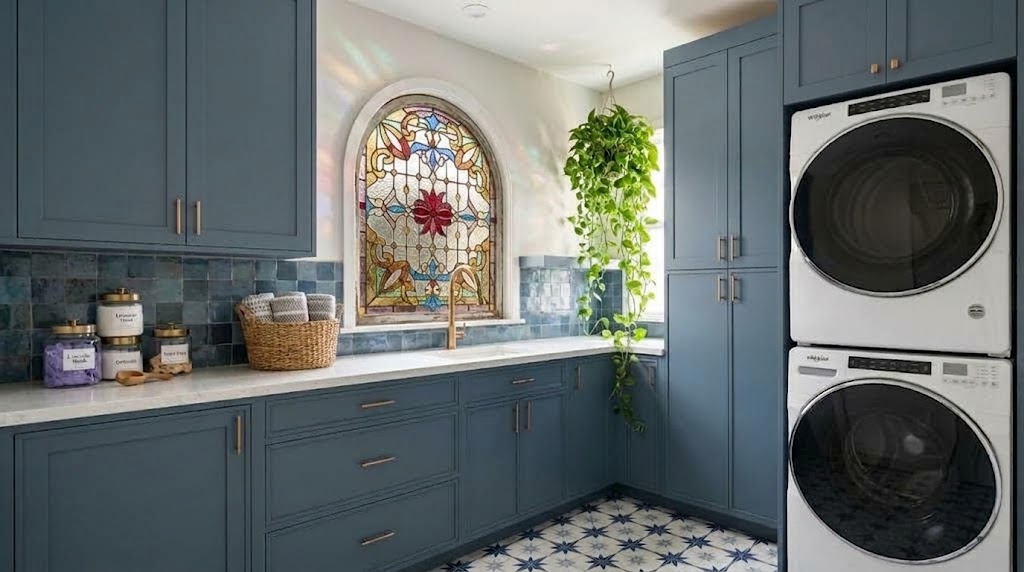
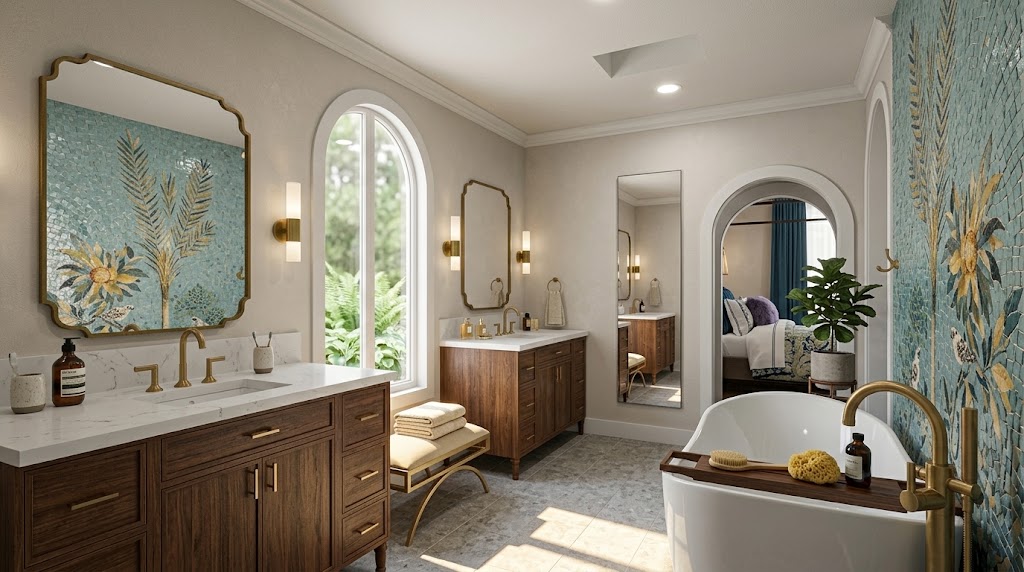
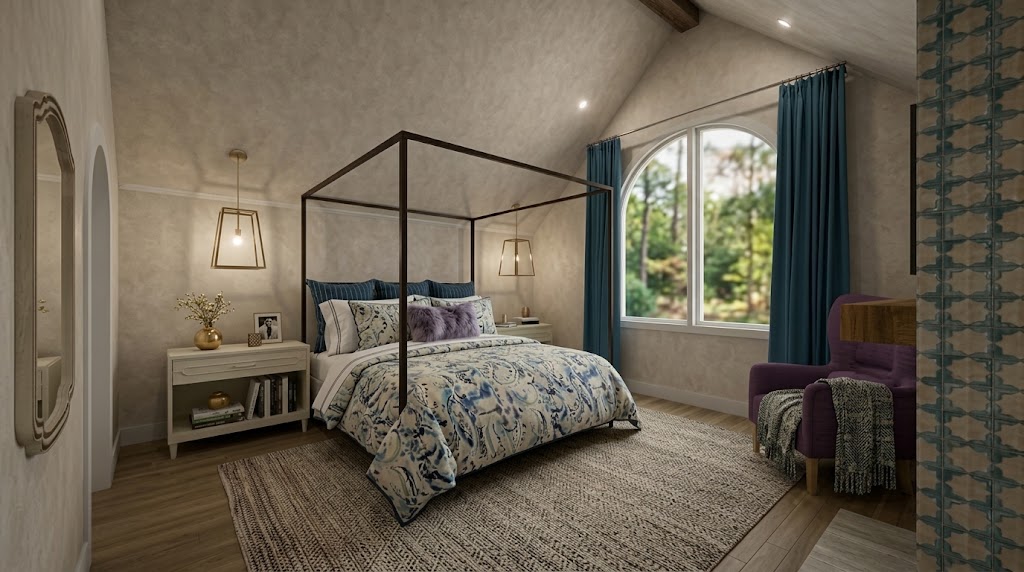
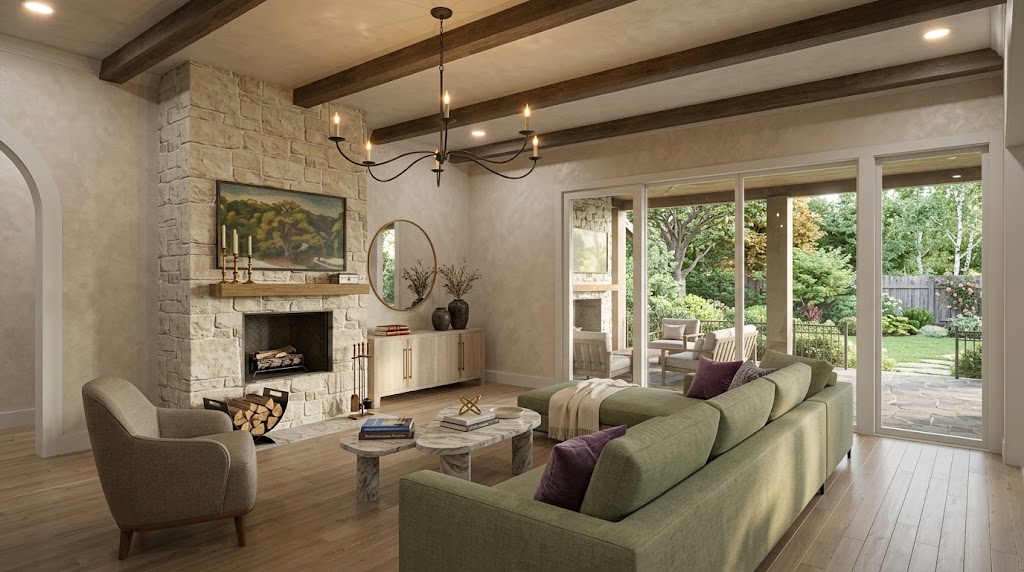
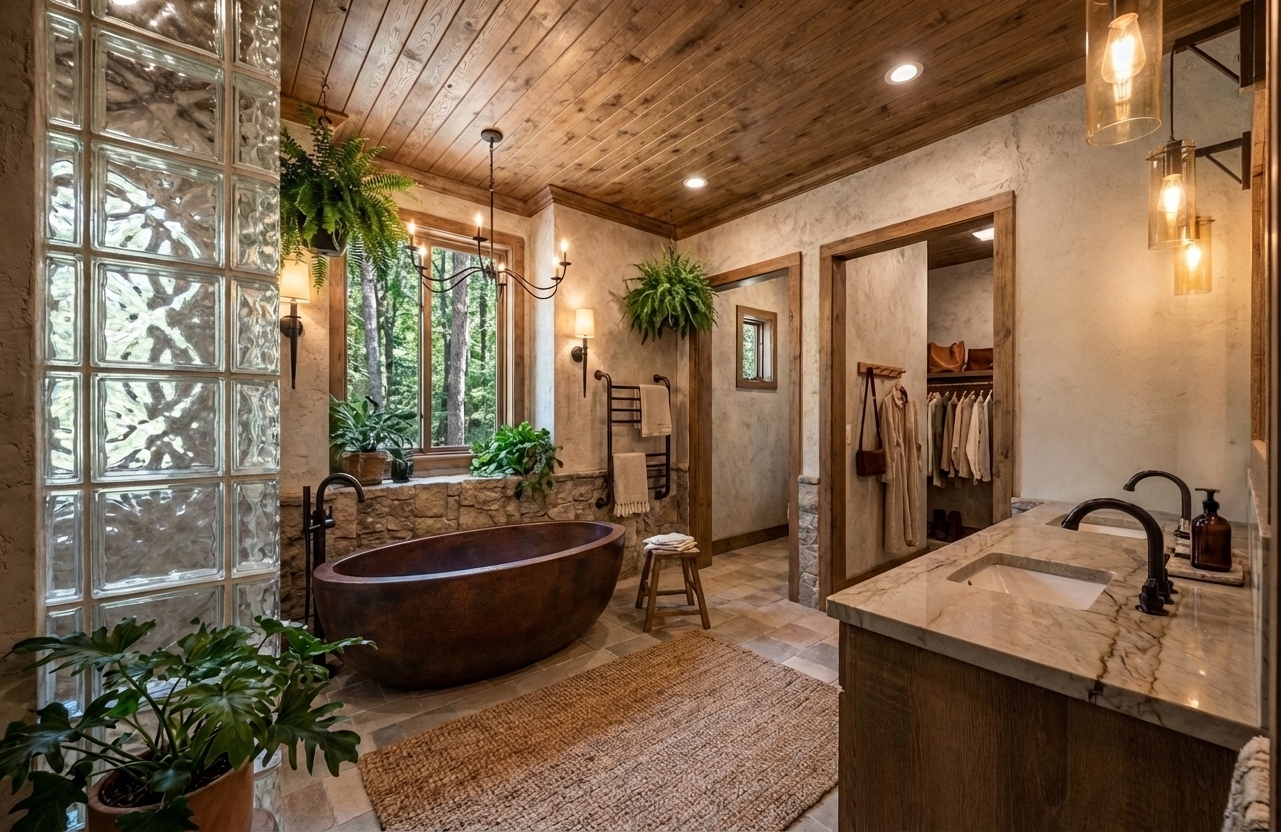
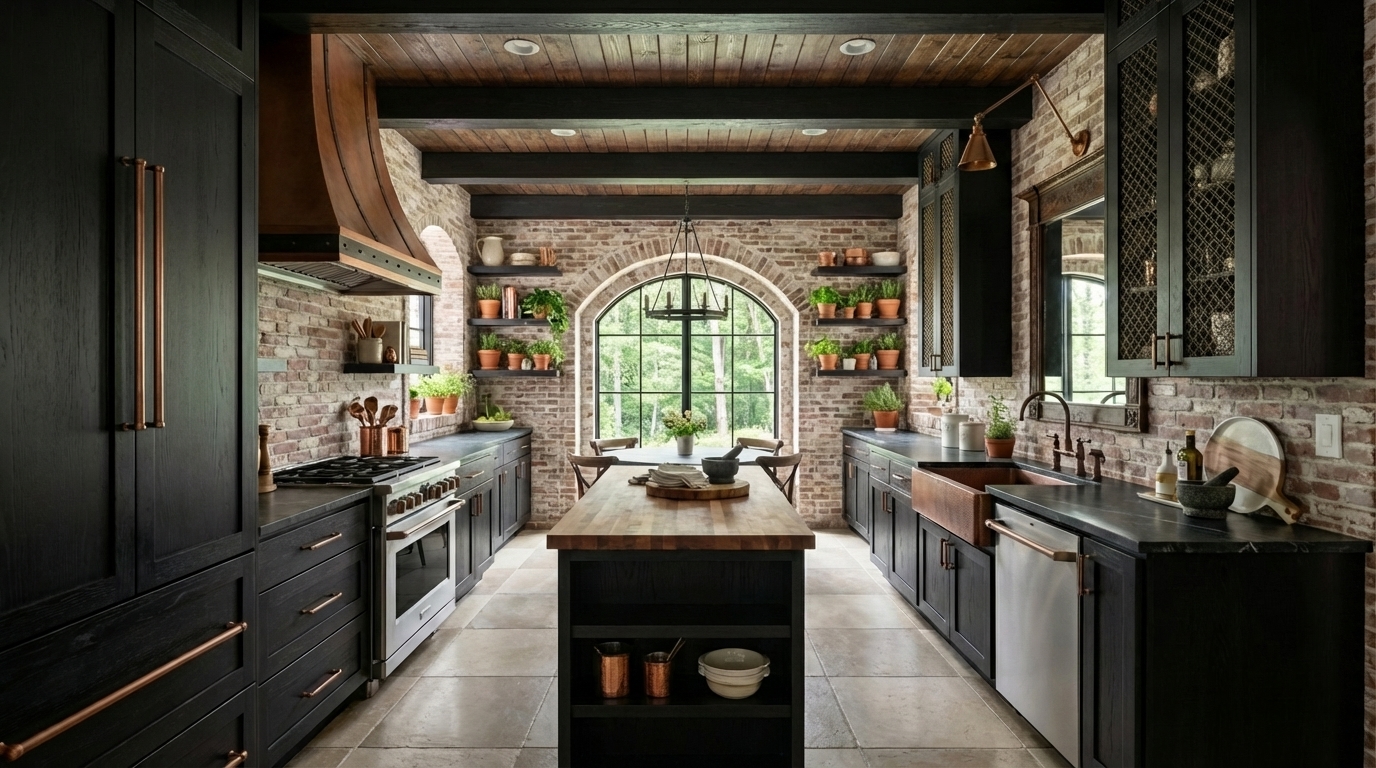
Scale, texture, reflectivity, pattern direction, depth, and the way a surface responds to light all influence whether a material feels convincing. White plaster, polished stone, brushed brass, aged wood, linen, and velvet each interact with light differently. Those qualities contribute to the character of the room and to the viewer’s understanding of the design.
When exact products are important, I may work from manufacturer photographs, fabric samples, finish images, or custom textures. In other situations, I use carefully selected look-alike materials that communicate the intended appearance without suggesting that every item has already been specified.
The goal is not simply to fill the model with detail. The materials should support the architecture, the design concept, and the emotional tone of the space.
Designing the World Around the Room
A building or interior never exists in isolation. The environment outside a window, the landscaping around a home, the objects on a table, and the signs of everyday life all affect how an image feels.
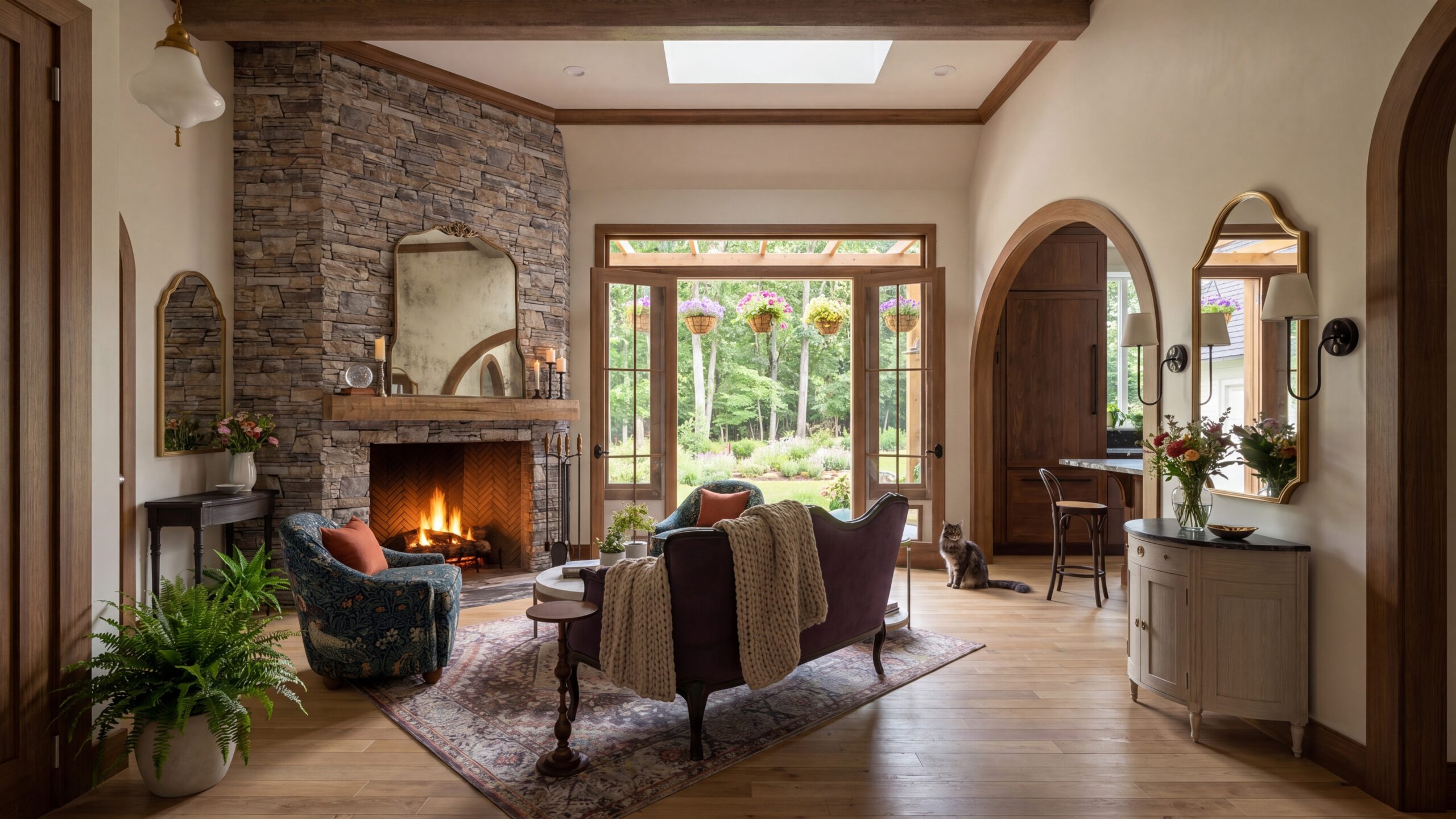
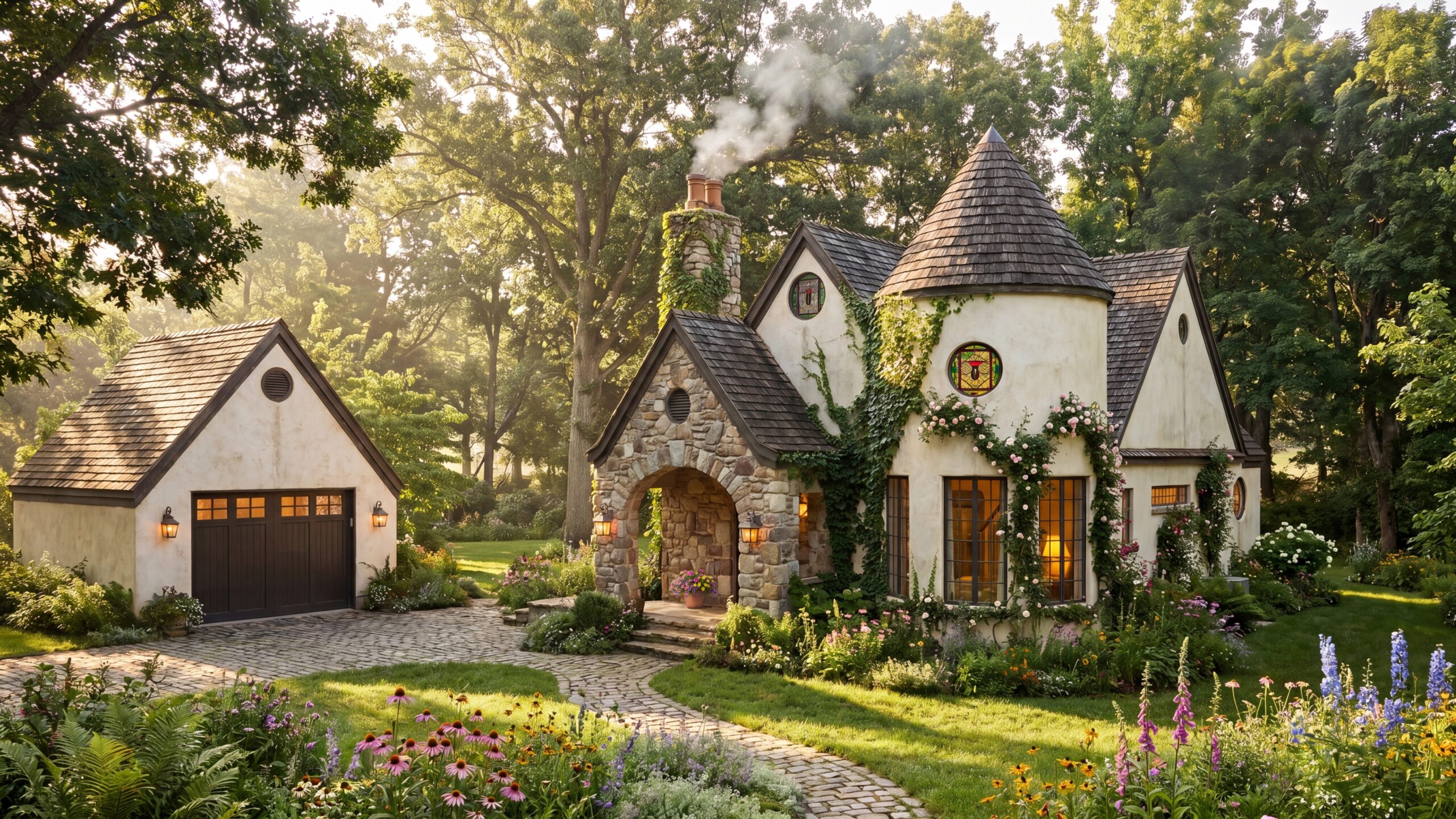
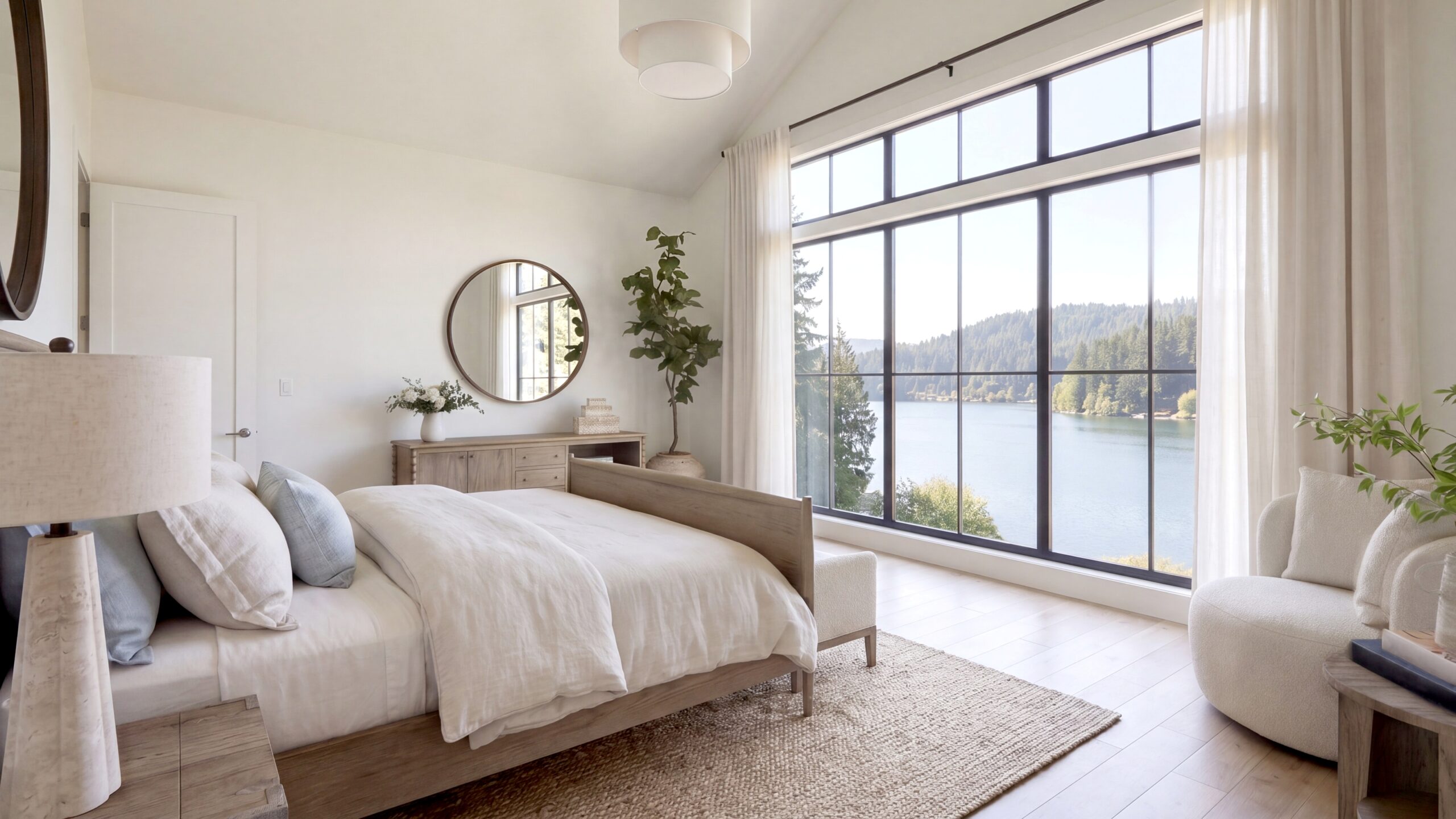
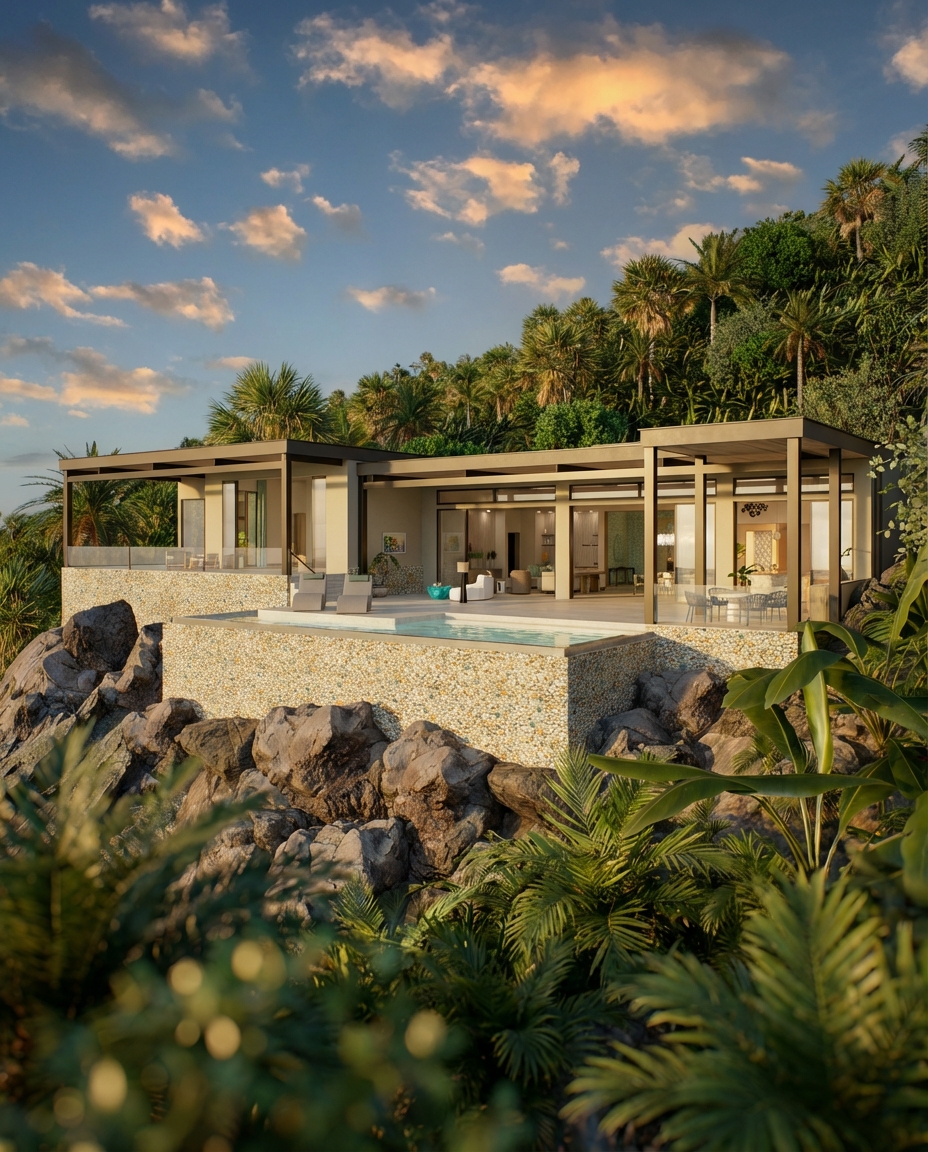
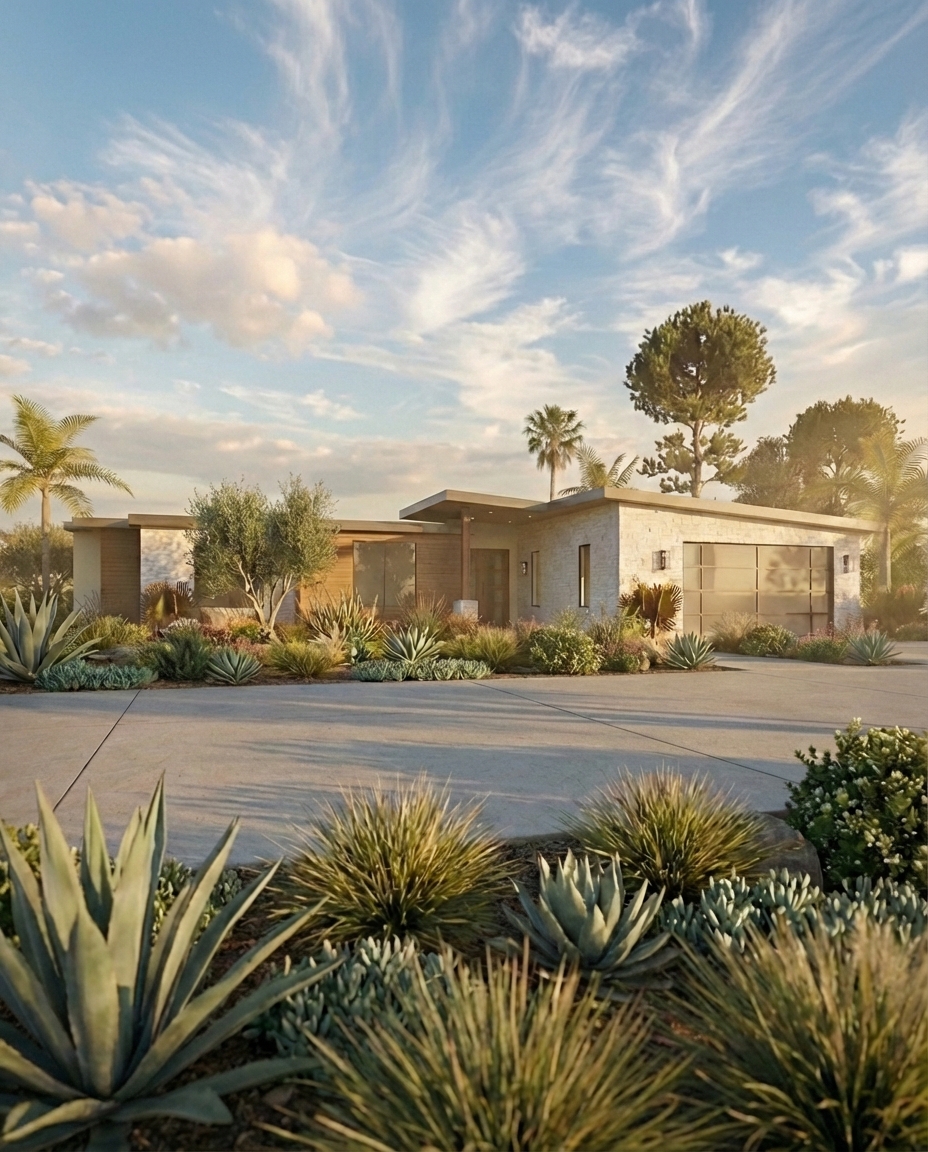
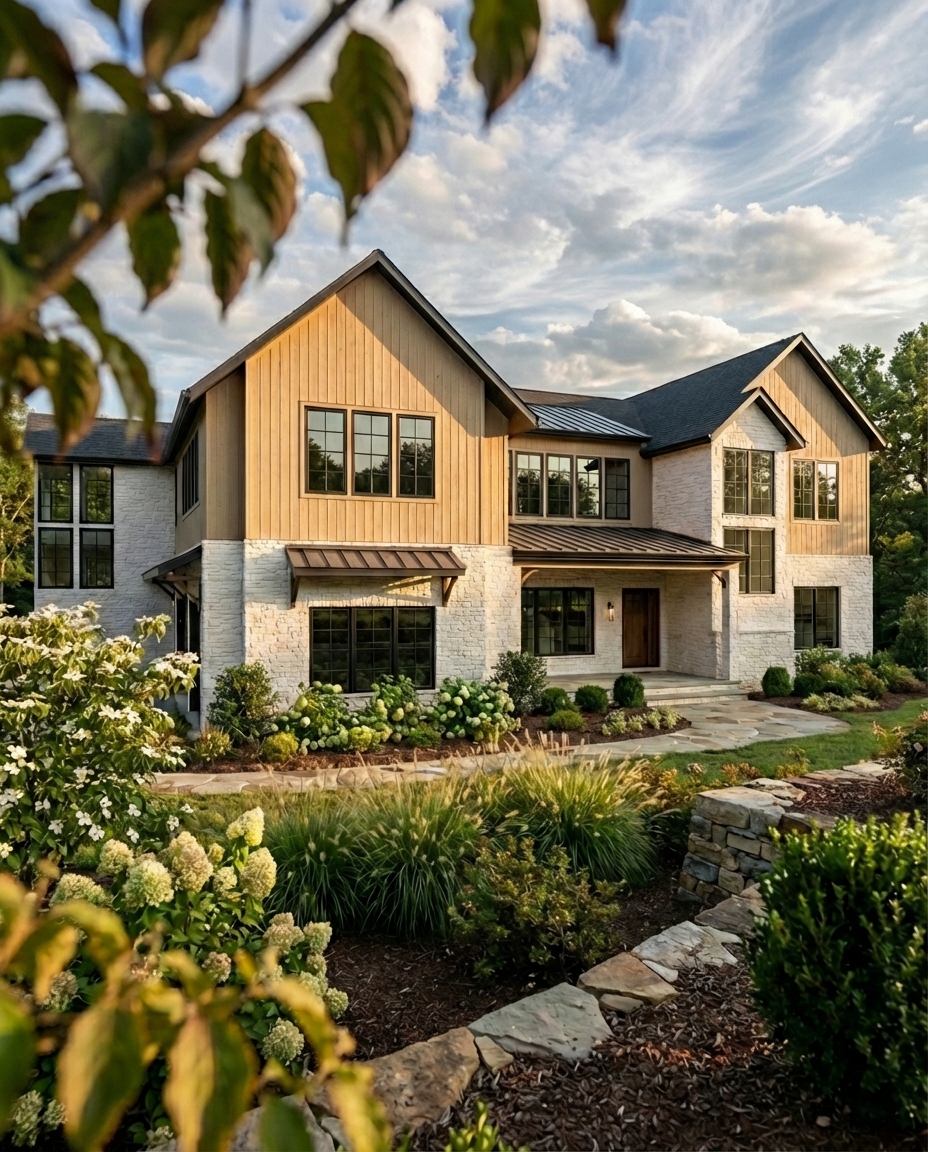
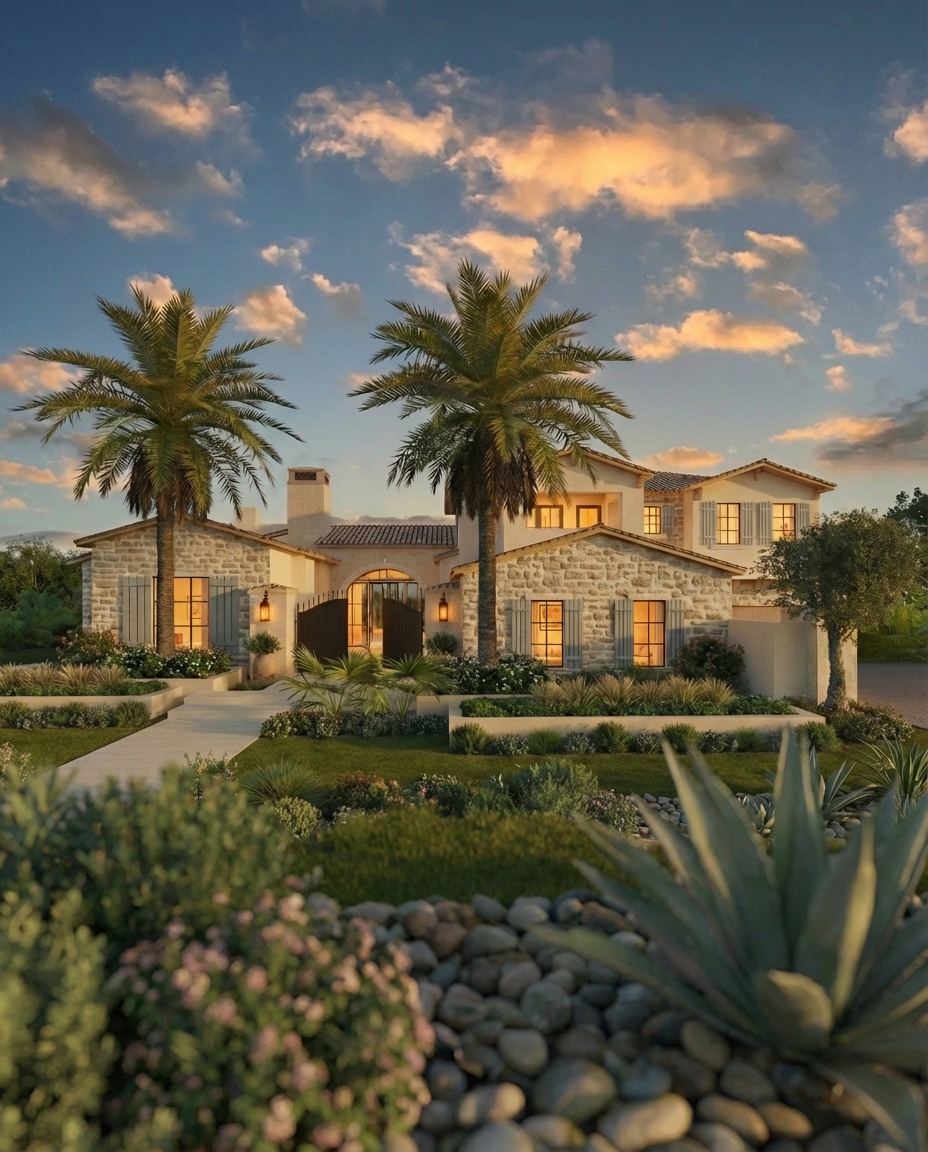
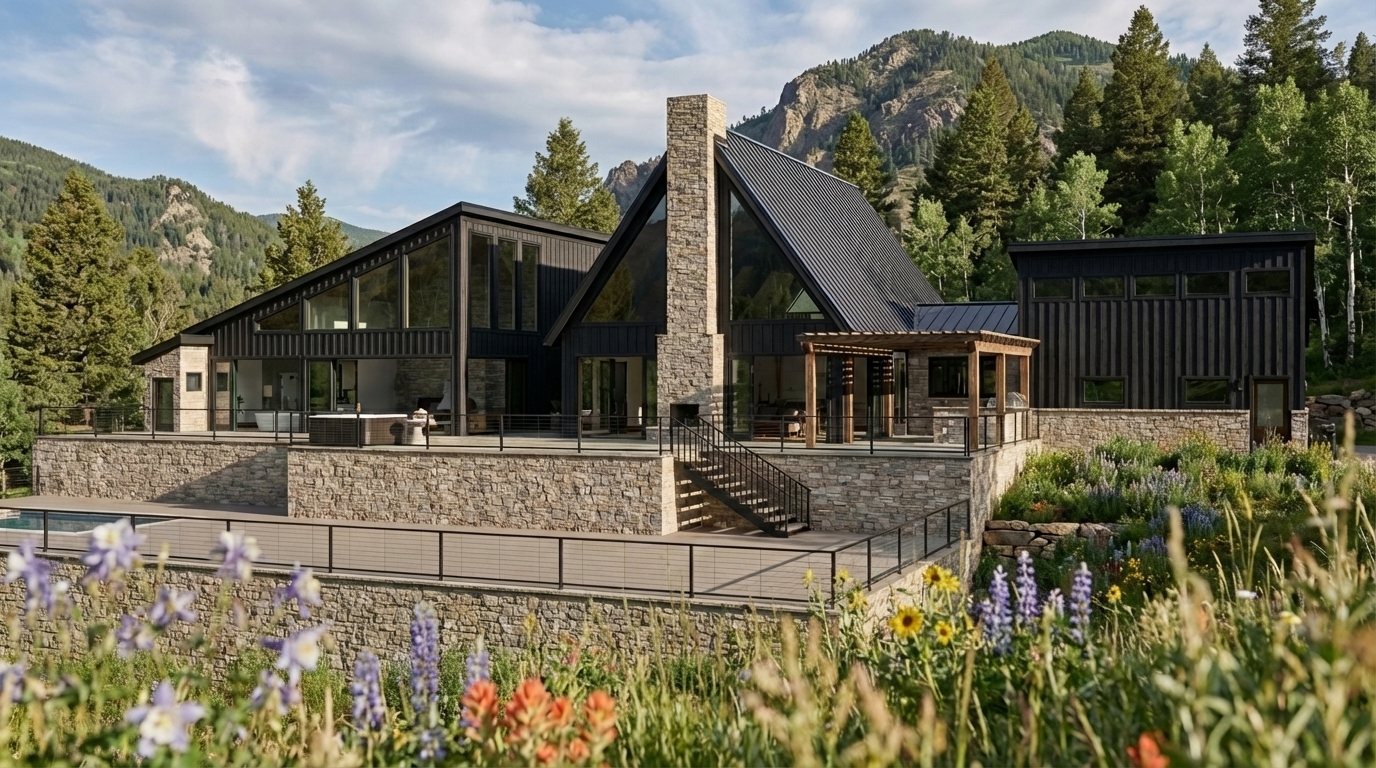
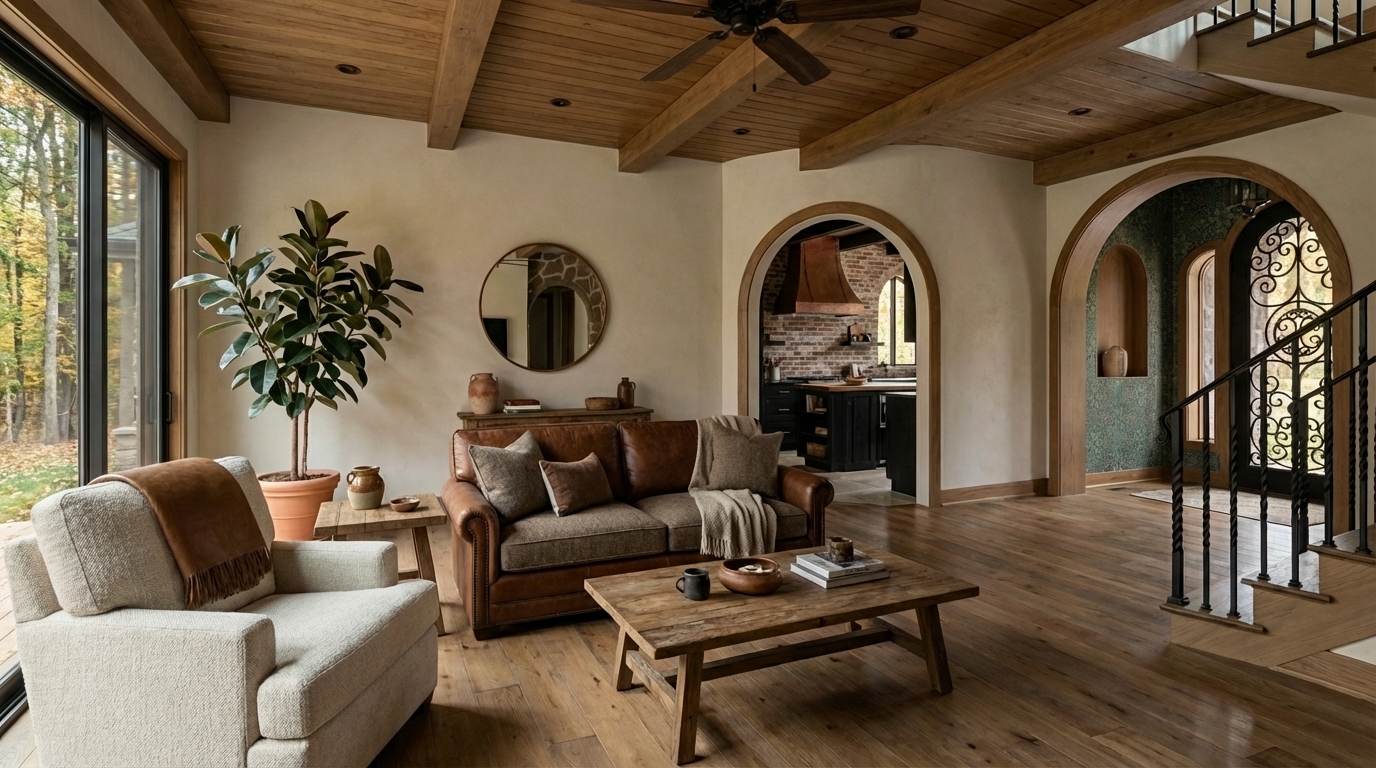
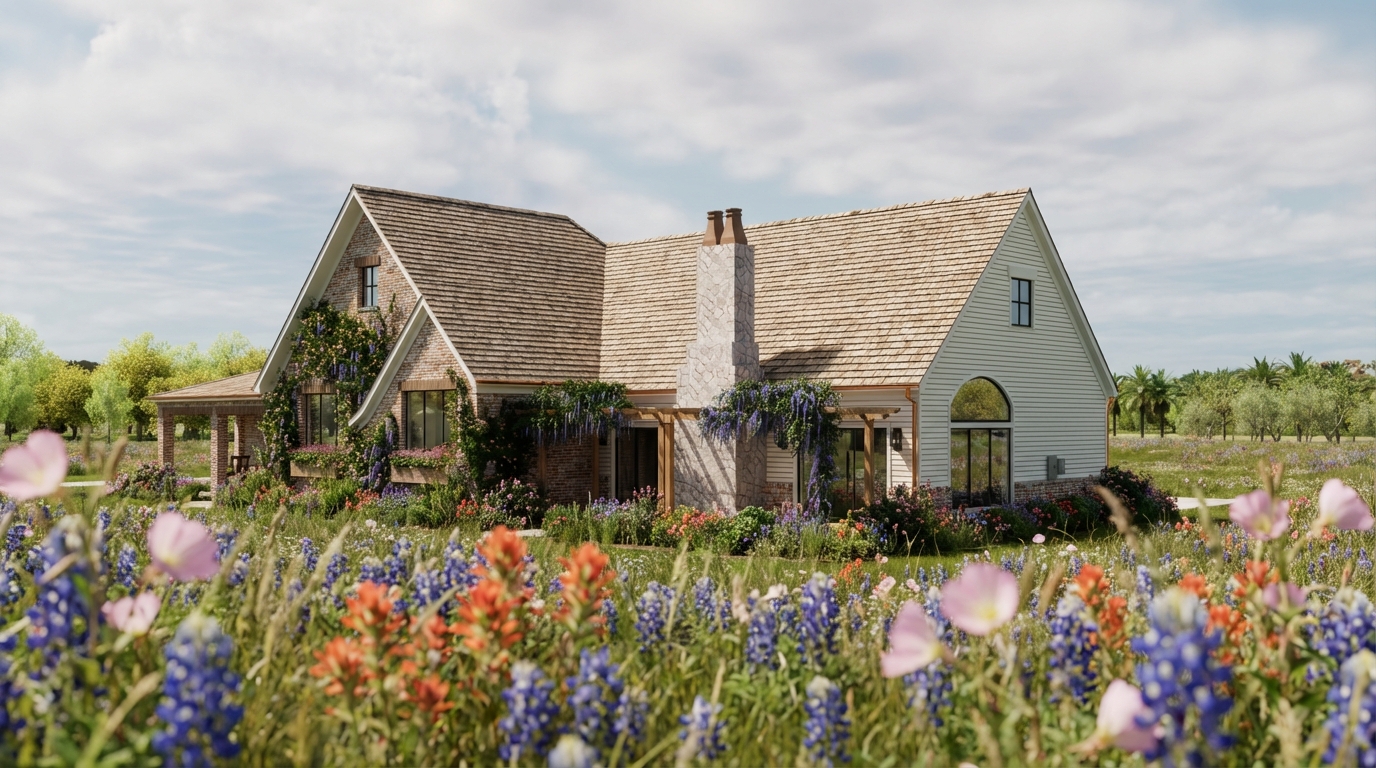
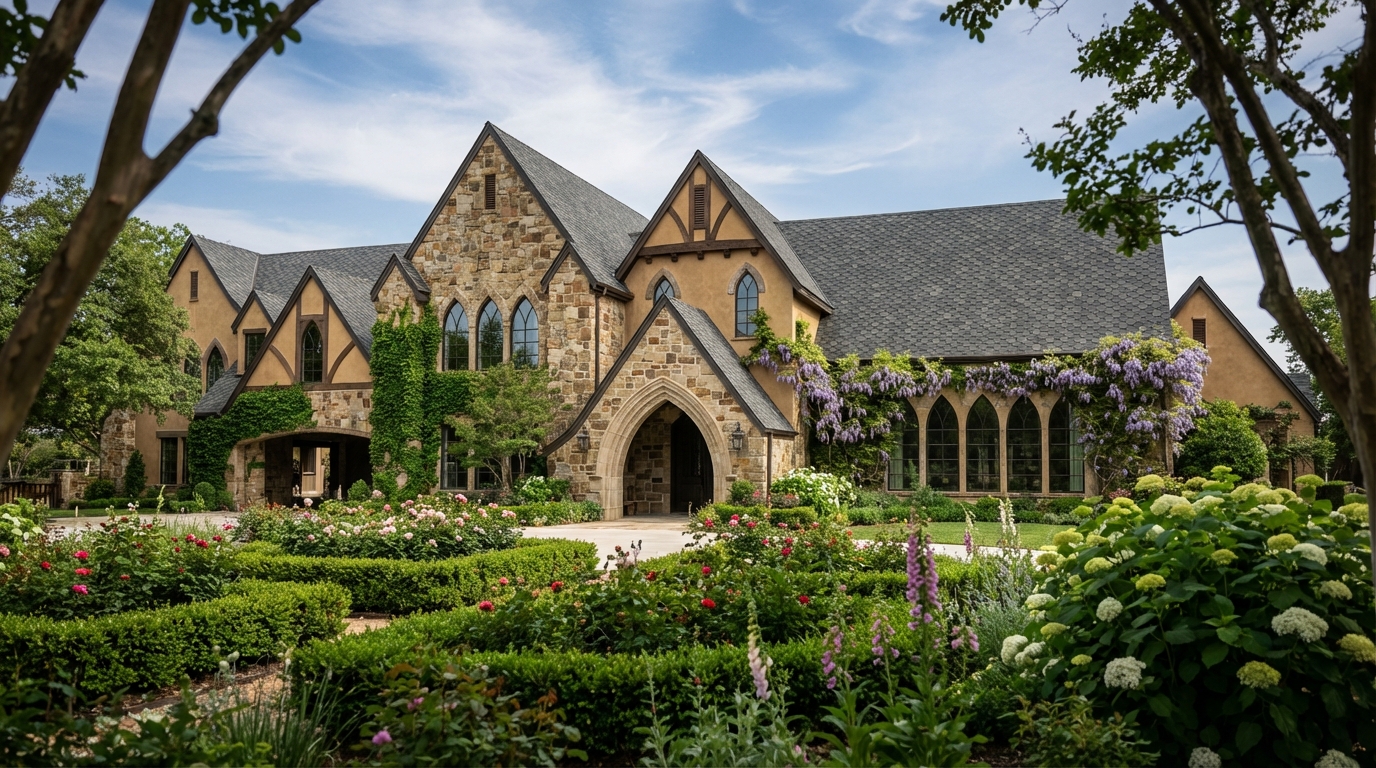
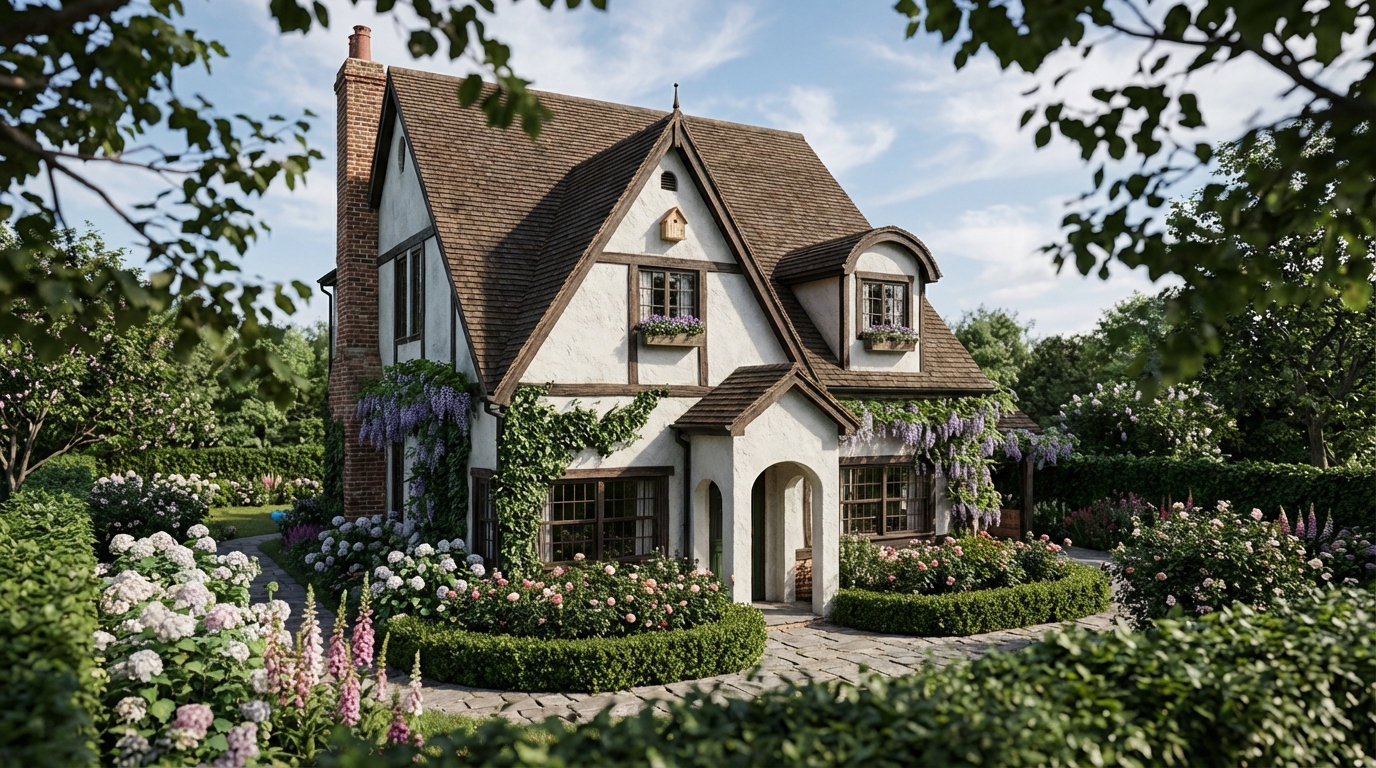
For exterior renderings, I consider the site, climate, season, sun direction, surrounding landscape, and how the building sits within its setting. For interiors, the view beyond the windows matters even when it is softly blurred. It provides light, depth, context, and a sense that the room belongs to a larger world.
Accessories and other supporting details are chosen with similar care. They can establish scale, suggest how a room is used, and make a visualization feel inhabited. Too little detail can make a space feel sterile. Too much can obscure the design. The most effective images use these elements intentionally.
This part of the process is closely connected to my experience in film set decorating. A set tells us something about the people who inhabit it, often before a character says a word. Architectural visualization can do something similar. The setting, objects, light, and composition create context and help the viewer imagine a life within the space.
Choosing the Camera and Composing the Image
Camera placement is one of the most important decisions in the entire process.
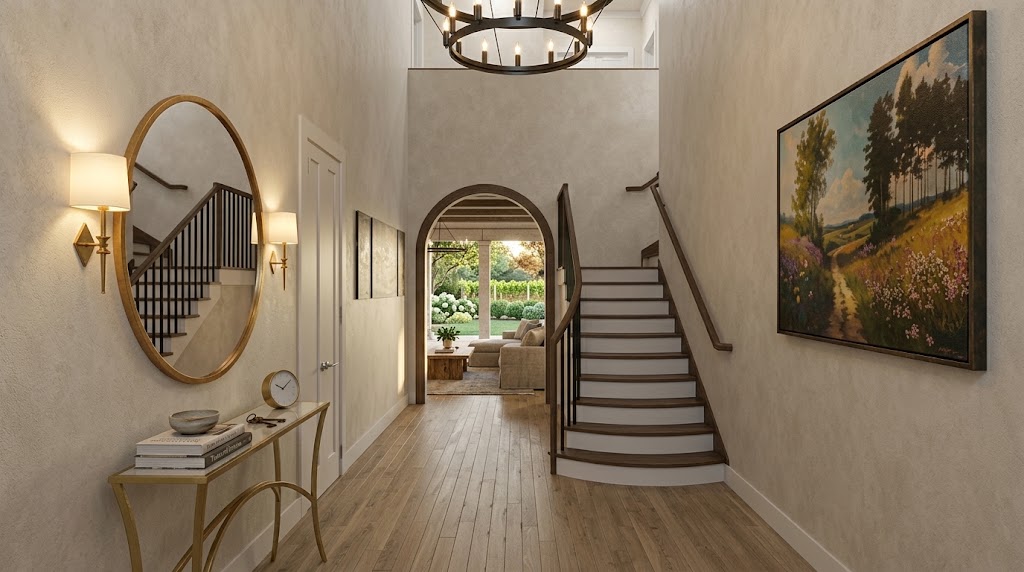
The same room can feel spacious, intimate, formal, dramatic, or unremarkable depending on where the camera is placed and what the frame includes. I choose views that communicate the architecture clearly while also creating a strong composition.
I look at sightlines, balance, rhythm, foreground and background relationships, focal points, and the path the viewer’s eye will follow through the image. I also consider what should remain outside the frame. Including more of the room does not always explain it better.
My background in drawing and painting taught me to think about composition, proportion, value, and color. My experience with film reinforced the importance of viewpoint, visual hierarchy, and the relationship between a subject and its setting. Those principles remain relevant regardless of which software or rendering technology I use.
A well-composed rendering should feel natural, but that sense of ease is usually the result of deliberate choices.
Using Light to Explain the Design and Create Atmosphere
Light performs two jobs in a visualization. It helps describe the space, and it helps establish the feeling of the image.
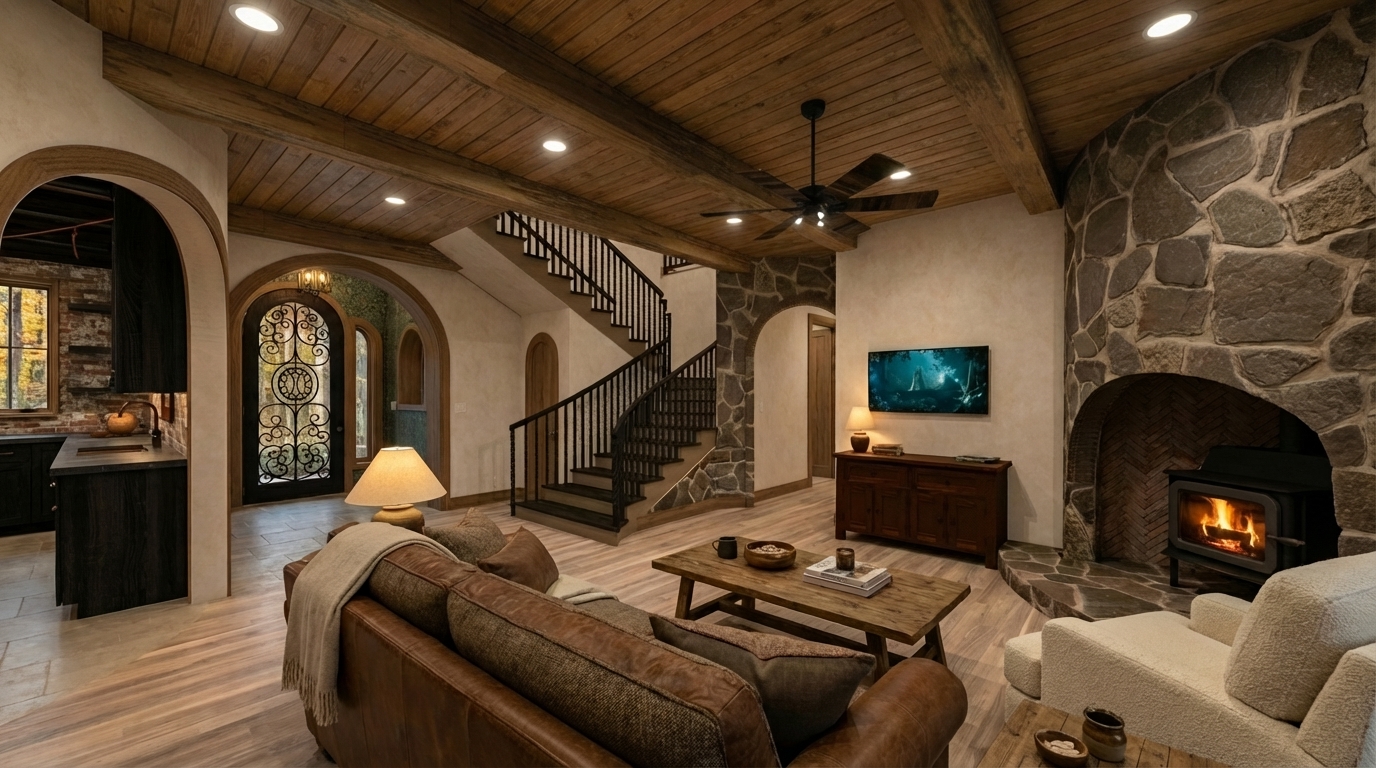
I consider the building’s orientation, the direction and quality of daylight, the time of day, the interior fixtures, and the way different surfaces reflect or absorb light. Good lighting should reveal the architecture, clarify materials, create depth, and direct attention toward the most important parts of the design.
It should also support the story.
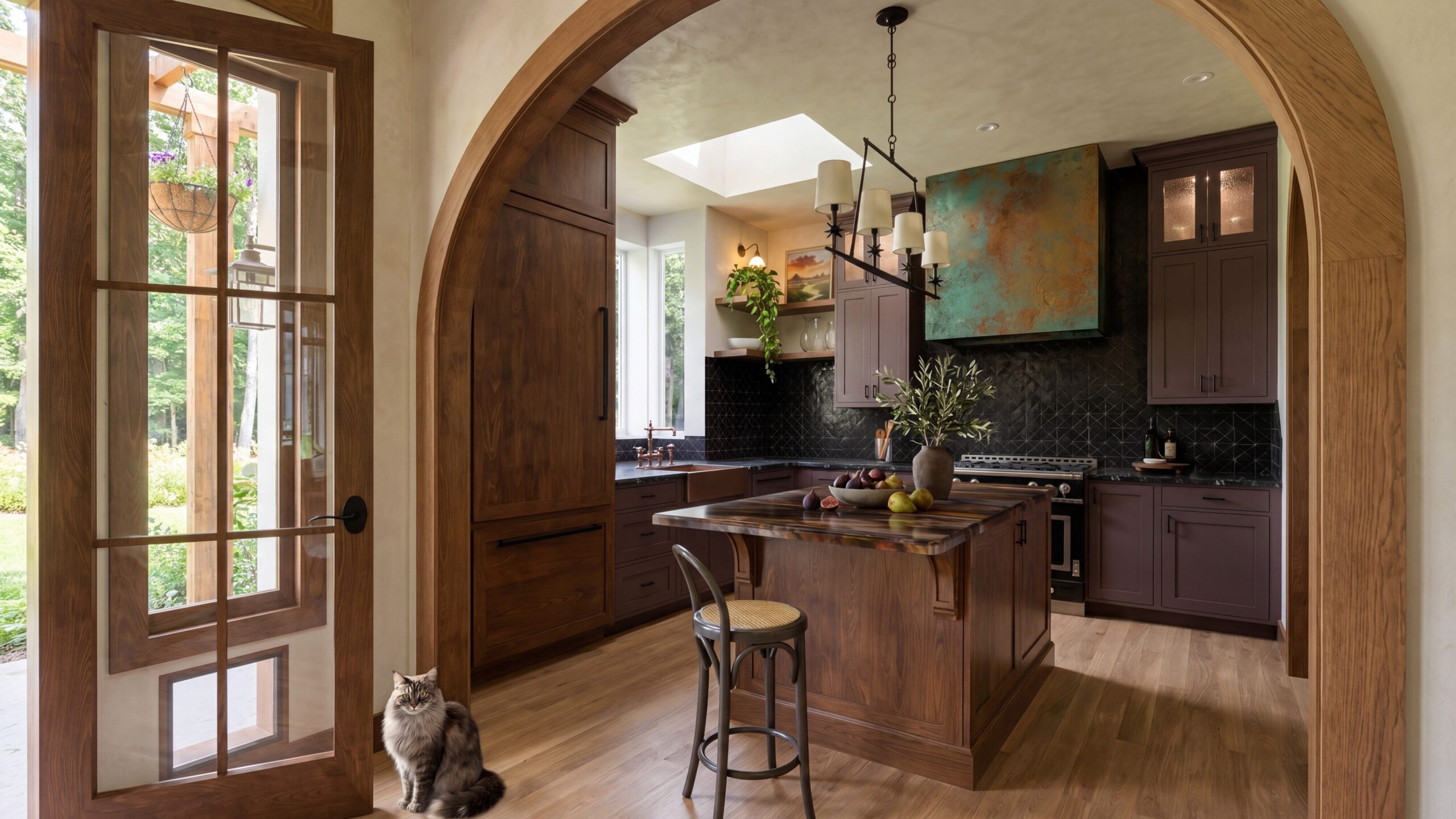
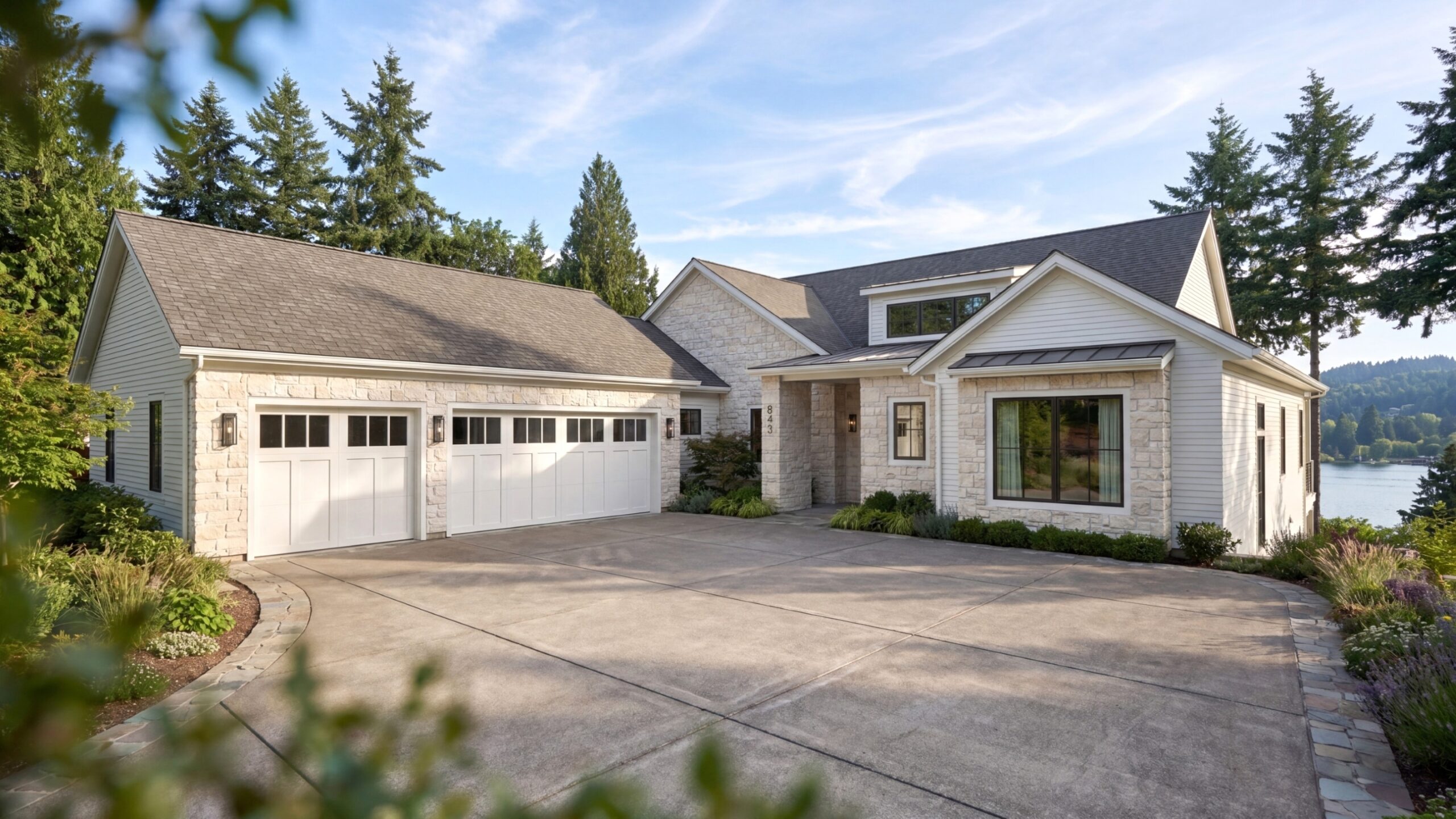
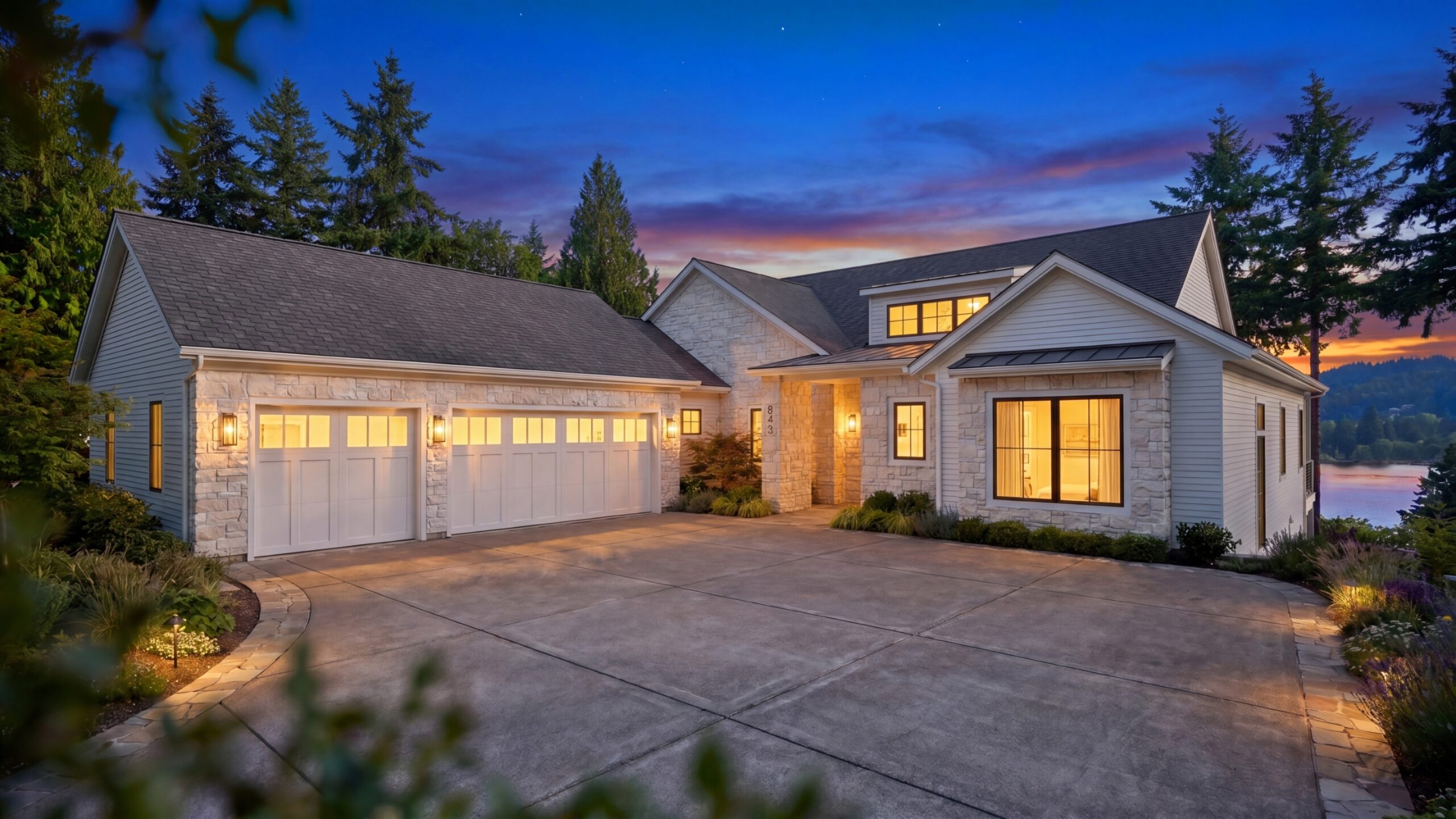
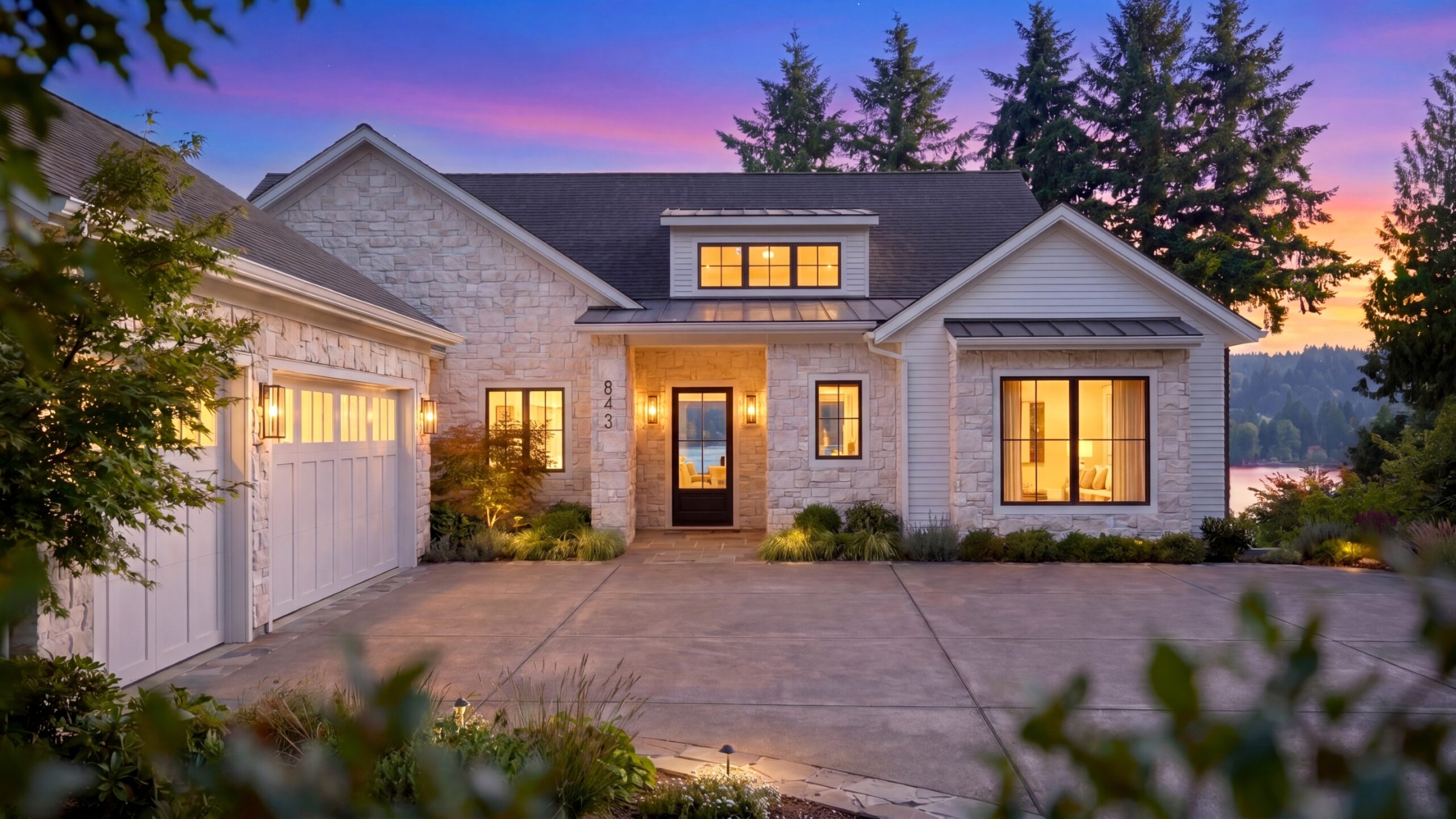
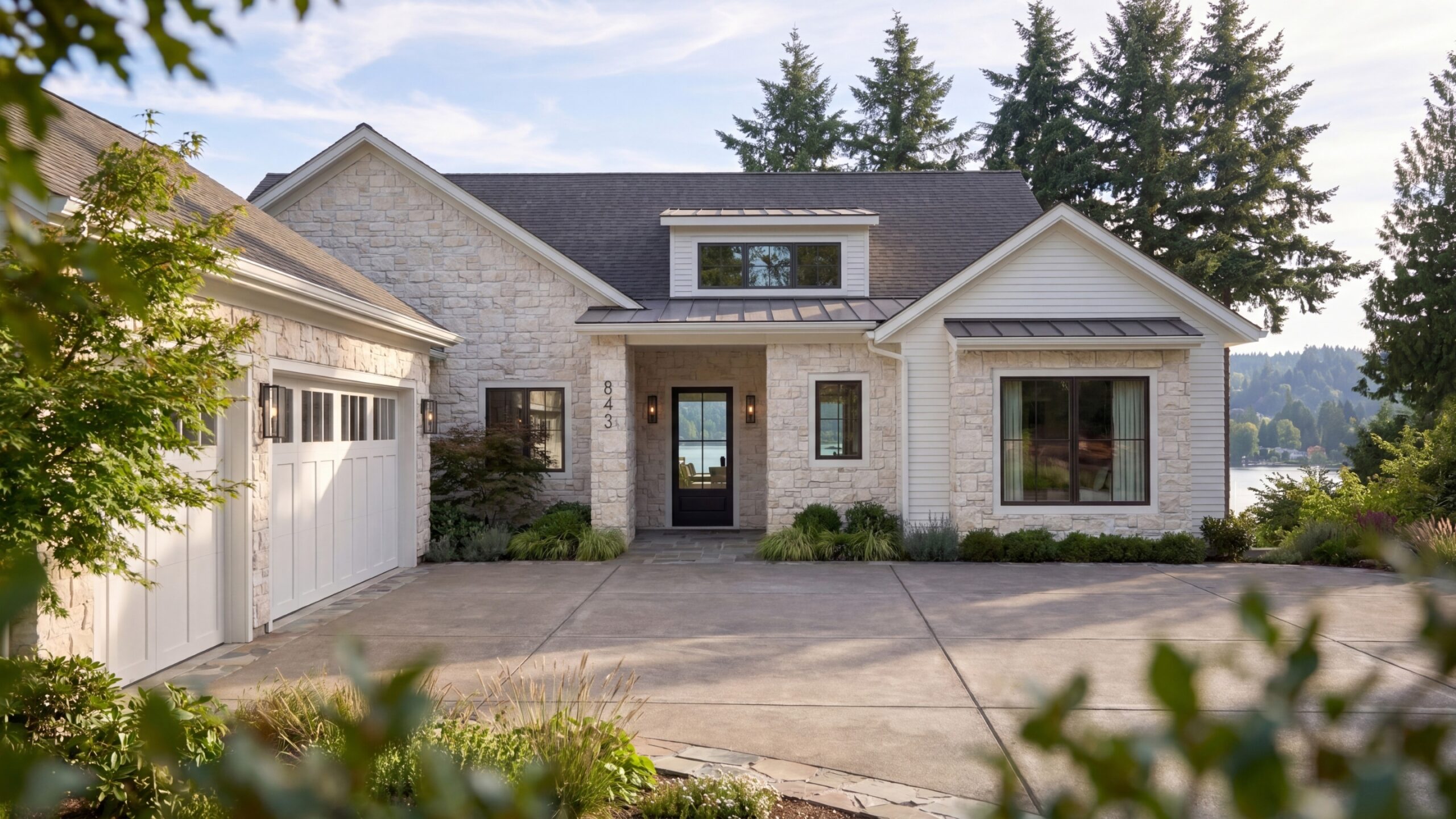
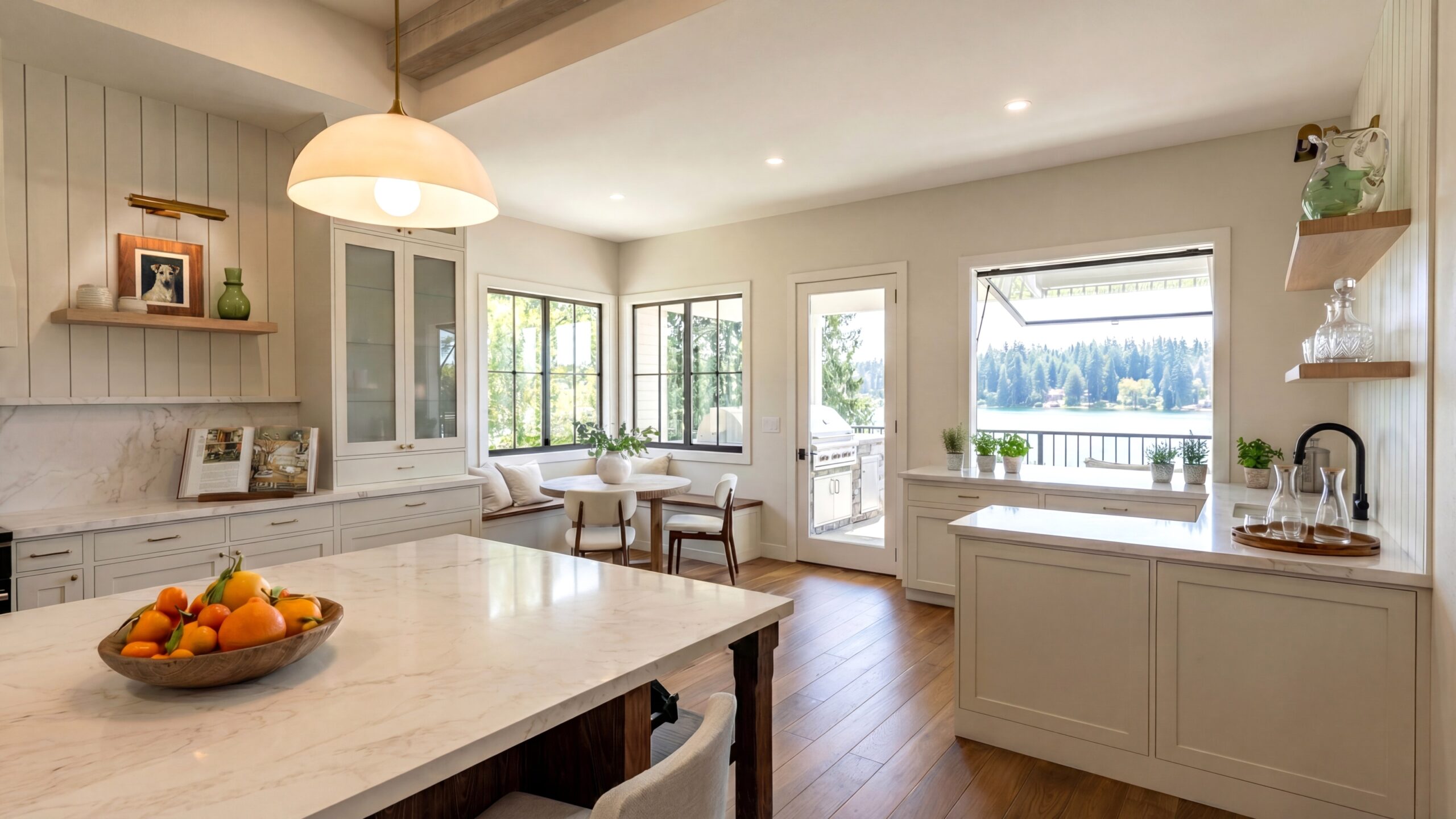
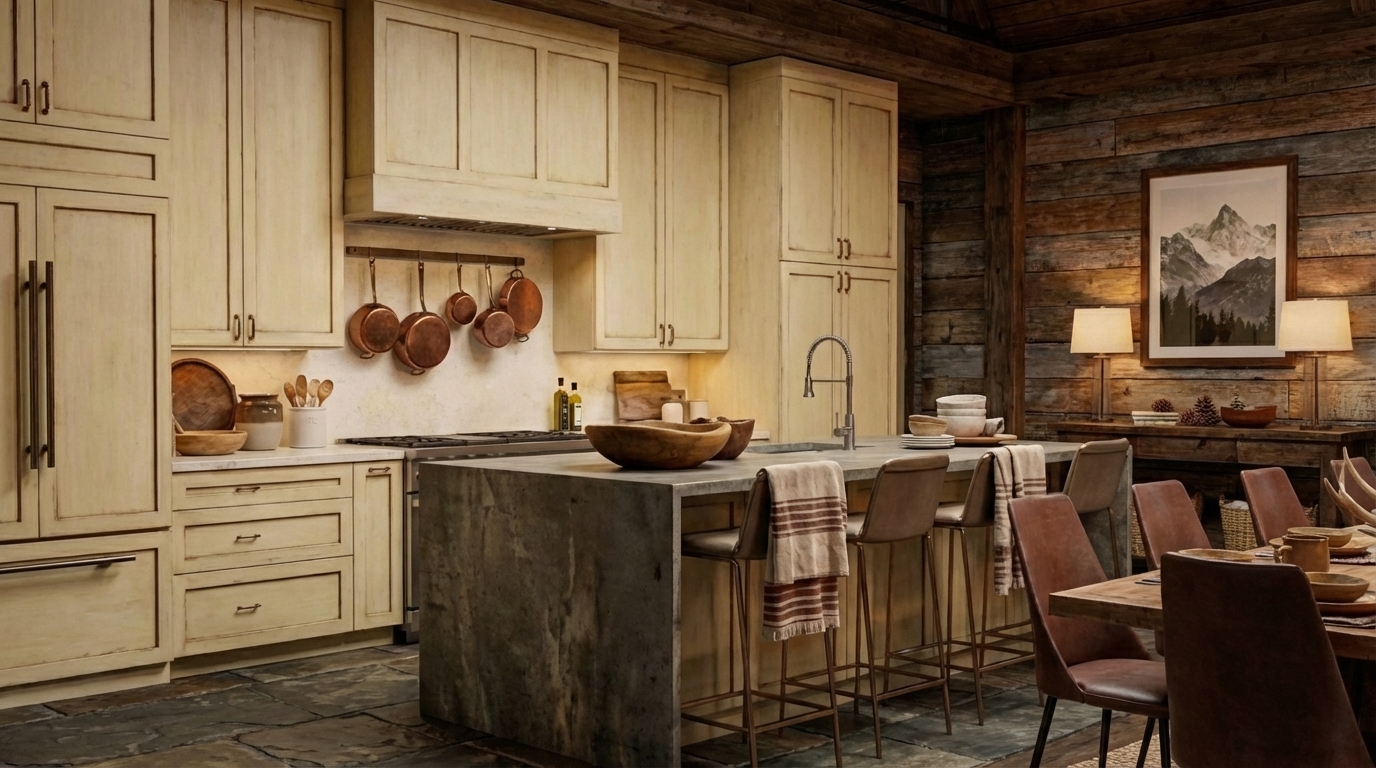
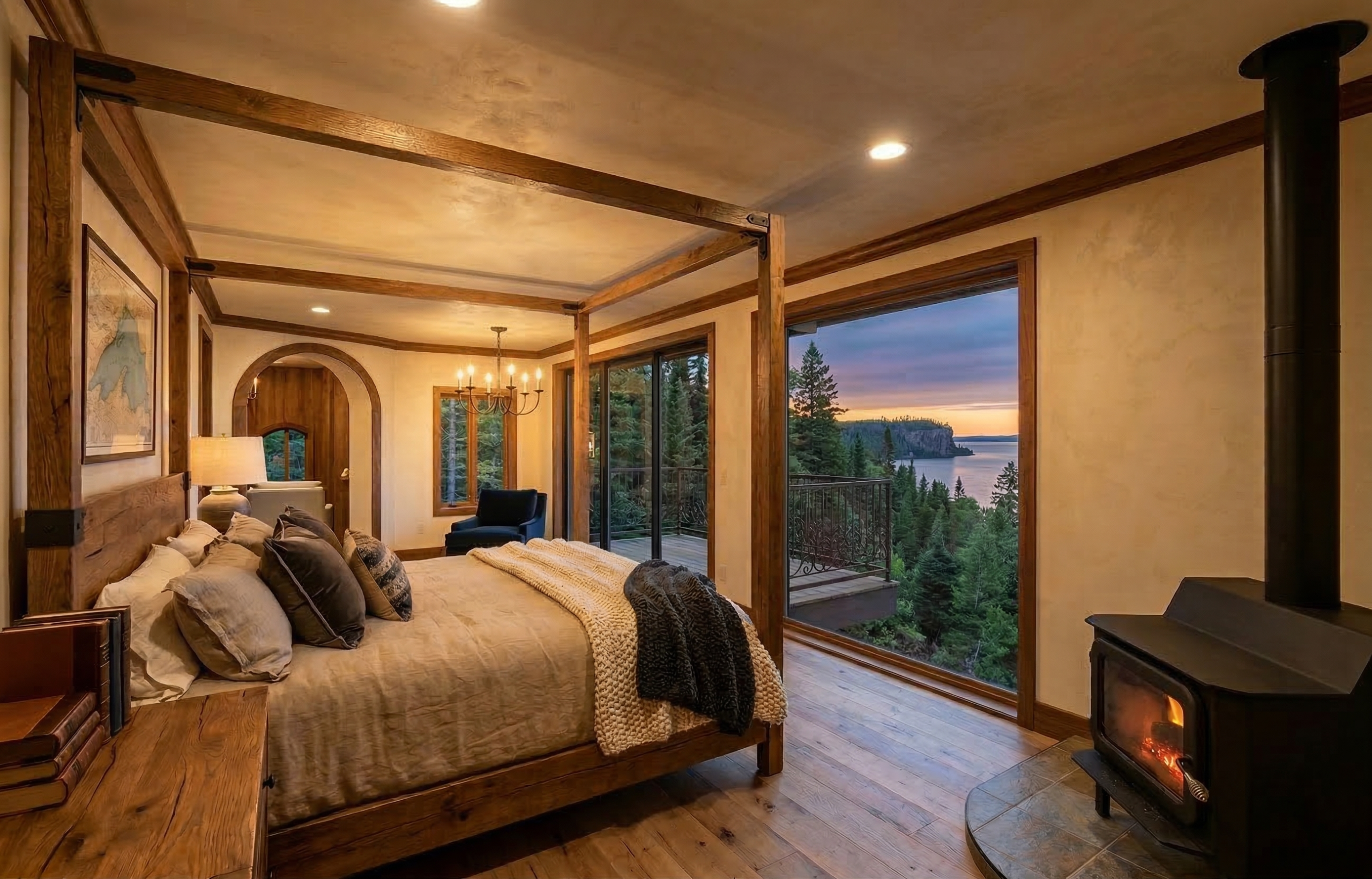
Soft morning light may make a kitchen feel quiet and inviting. Strong afternoon sun can emphasize texture and architectural form. Evening light can create intimacy and allow decorative fixtures to become part of the visual experience. The correct choice depends on the project and what the image needs to communicate.
I often think about lighting cinematically. Rather than illuminating everything equally, I use variations in brightness, shadow, color temperature, and contrast to give the image structure and atmosphere. The result should still feel believable, but it should not feel accidental.
Review, Refinement, and Design Accuracy
The first rendering is not simply a finished image waiting for approval. It is part of an iterative process.
Initial views allow the client or design team to review the architecture, finishes, furnishings, lighting, camera composition, and overall direction. This is an opportunity to catch misunderstandings, test alternatives, and refine the presentation.
As revisions are made, I pay close attention to continuity. A change to a material, fixture, or architectural detail may need to carry across multiple views. Shadows, reflections, accessories, and surrounding elements may also need adjustment so the complete set of images remains coherent.
My final review looks at both design accuracy and image quality. I check proportions, alignments, material placement, repeated elements, lighting, reflections, visual distractions, and the small details that can make an image feel finished. When exact specifications have been provided, I compare the visualization back to the source information before final delivery.
Post-Production and the Final Image
Post-production is where the different parts of the image are brought into balance.
Depending on the project, this may include refining exposure and color, improving depth, integrating exterior context, adjusting landscaping, enhancing materials, correcting small visual artifacts, and adding atmospheric details. The purpose is not to disguise the model or replace the design. It is to help the image communicate more naturally and effectively.
I have always used a combination of tools in this stage. Architectural design software, 3D modeling programs, rendering engines, image-editing software, and specialized libraries may all contribute to a single visualization. More recently, AI-assisted tools have become part of that larger workflow as well.
AI can help with tasks such as refining environmental context, integrating product imagery, exploring material variations, improving lighting and atmosphere, or adding detail that would previously have required extensive manual production. I use it selectively and under my direction, with the underlying design, model, camera, materials, and visual intent already established.
My article How I Use AI in My Design Business explains that part of the process in greater detail. The important point here is that the final visualization is not the product of one program or one prompt. It is the result of an entire creative and technical workflow.
Beyond Still Images
The same three-dimensional environment can often support more than a single rendering.
Depending on the project, the model may also be developed into animation, 360-degree views, virtual reality, interactive presentations, or immersive environments. These formats allow people to understand relationships and movement through a space in ways that a still image cannot.
I have been interested in these possibilities throughout my career, from early digital modeling and animation to virtual showhouses, metaverse environments, and current AI-assisted visualization. The technology continues to change, but the central challenge remains the same: how can we help someone understand and emotionally connect with a place that does not yet exist?
New tools are most useful when they serve that goal.
The Experience Behind the Image
Rendering software has become more accessible, and today many people can create an attractive image quickly. I think that access can be useful for exploration and communication. It has also made it more important to understand the difference between generating a picture and directing a visualization.
Professional visualization involves deciding what the image needs to accomplish, what must remain accurate, what can be interpreted, and how every element supports the design. It requires judgment about scale, composition, materials, architecture, light, atmosphere, and audience. It also requires the ability to revise deliberately and maintain the design across a coordinated group of images.
My own process brings together a BFA in Studio Art, a degree in Interior Design, experience in film set decorating, more than 25 years in the design industry, and extensive work in building design, construction documentation, 3D modeling, rendering, animation, and immersive environments. I am a Texas Registered Interior Designer, NCIDQ certified, a Certified Professional Building Designer, and a Certified Chief Architect Professional. I have also spent years teaching designers how to use visualization technology in their own practices.
All of that experience influences what happens before, during, and after an image is rendered. The tools matter, but the value comes from knowing how to use them in service of the project.
Visualization as a Form of Design Communication
I see rendering as a form of communication between an idea and the people who need to understand it.
For a homeowner, a visualization can make unfamiliar drawings feel tangible. For a designer, it can reveal relationships and support better decisions. For an architect, builder, or developer, it can clarify intent and create alignment among stakeholders. For a marketing team or home-industry brand, it can turn a design concept into an environment that an audience can recognize, remember, and connect with.
The most effective renderings are accurate enough to be trusted and expressive enough to be felt. That balance is what I work toward in every project.
Working With Me
I collaborate remotely with interior designers, architects, building designers, builders, developers, marketing teams, and home-industry brands. I can work from plans and specifications, develop or refine an existing 3D model, create presentation imagery, or help a team explore how rendering, animation, virtual reality, immersive experiences, and emerging visualization tools might support a larger project.
If you have a project you would like to visualize, you can learn more about my rendering services or contact me to discuss the design, available project information, intended audience, and how the finished visuals will be used.

Annilee B. Waterman is a Texas Registered Interior Designer, NCIDQ-certified designer, Certified Professional Building Designer, Certified Chief Architect Professional, and two-time IDS Designer of the Year for Digital Rendering. With more than 25 years of experience, she brings together interior and building design, construction documentation, fine art, film set decorating, and advanced visualization technology.
Annilee works remotely with interior designers, architects, builders, developers, marketing teams, and home-industry brands to translate plans and ideas into accurate, immersive visual experiences. Her work spans 3D modeling, photorealistic rendering, animation, virtual reality, and emerging AI-assisted tools, all guided by professional judgment, technical understanding, and visual storytelling.
If you need a visualization partner who can understand the design as well as communicate it, use the form below to tell Annilee about your project.